Playback

Audiophile-grade playback and lean-back views, for listening and watching.

Engine

Hear it the way it was meant to be heard

Gapless playback for seamless album listening. Crossfading from 0 to 10 seconds between tracks. Native codec support for audio and video files — no transcoding, no plugins.

Gapless playback across albums
Adjustable crossfade (0–10s)
Audio & video playback with native codecs
Sub-200ms playback latency
Viboplr playback controls and now playing bar
Now Playing

Lean back and watch the words

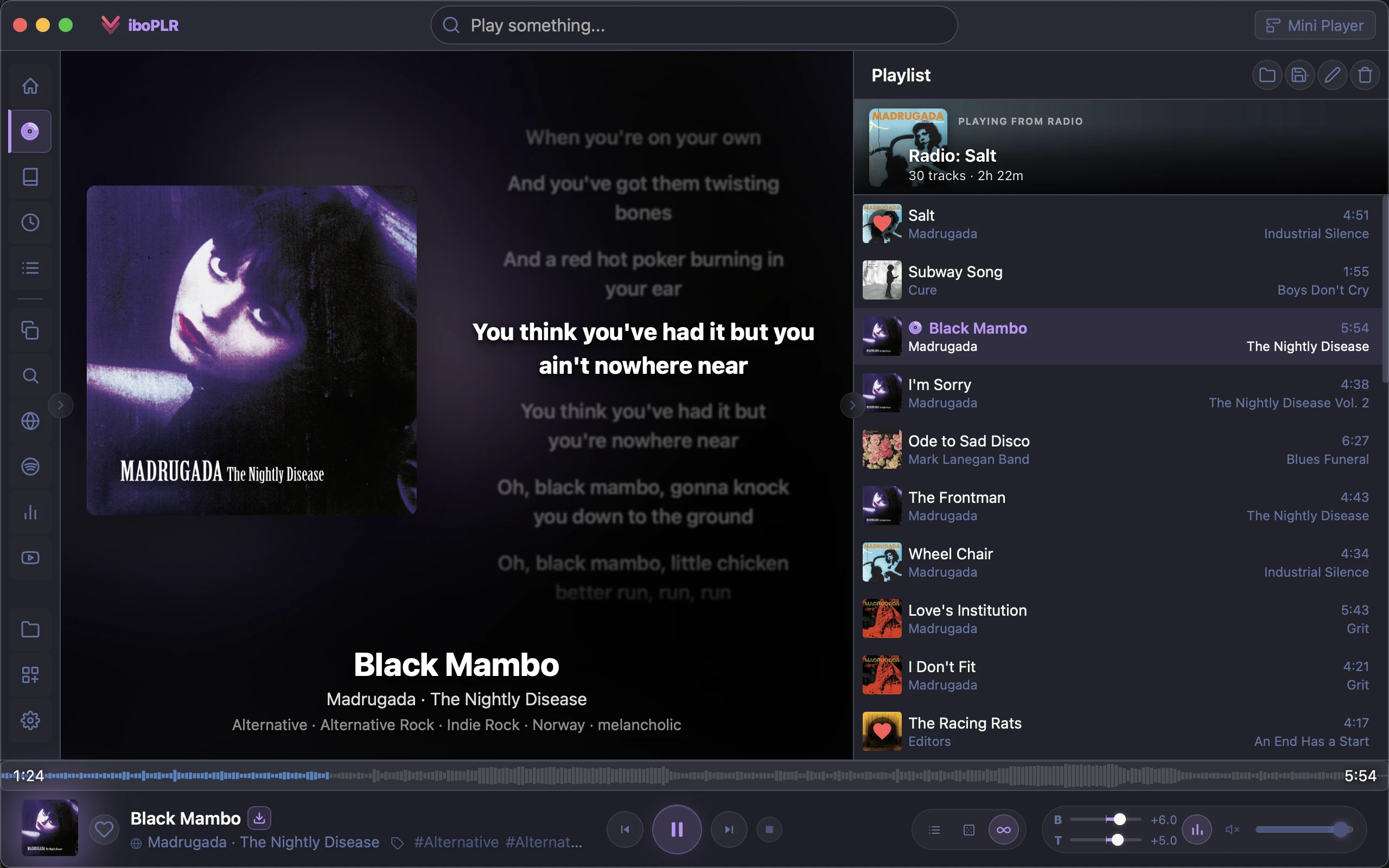
A full-screen now-playing view with synced, karaoke-style lyrics that highlight line by line. Playing a video? It expands into a theater mode with an ambient glow sampled from the artwork.

Synced (LRC) karaoke lyrics with tap-to-seek
Plain-lyrics fallback with auto-scroll
Video theater mode with ambient glow
Lyrics from multiple providersplugin
Viboplr now playing view with synced karaoke lyrics
Mini Player

Always within reach

A compact, always-on-top mini player that stays visible while you work. Draggable, auto-resizing, and just the right amount of information at a glance.

Always-on-top mode
Draggable & compact
Auto-resizing to fit content
Full playback controls
Viboplr mini player with playback controls

Library & Sources

Local folders and music servers, unified into one fast library.

Library

Your collection, always in sync

Point Viboplr at your music folders and it handles the rest. Background scanning reads metadata intelligently, and real-time file watching catches every change the moment it happens.

Background folder scanning
Smart metadata extraction with fallback parsing
Real-time file watching for instant updates
Genre tags from file metadata
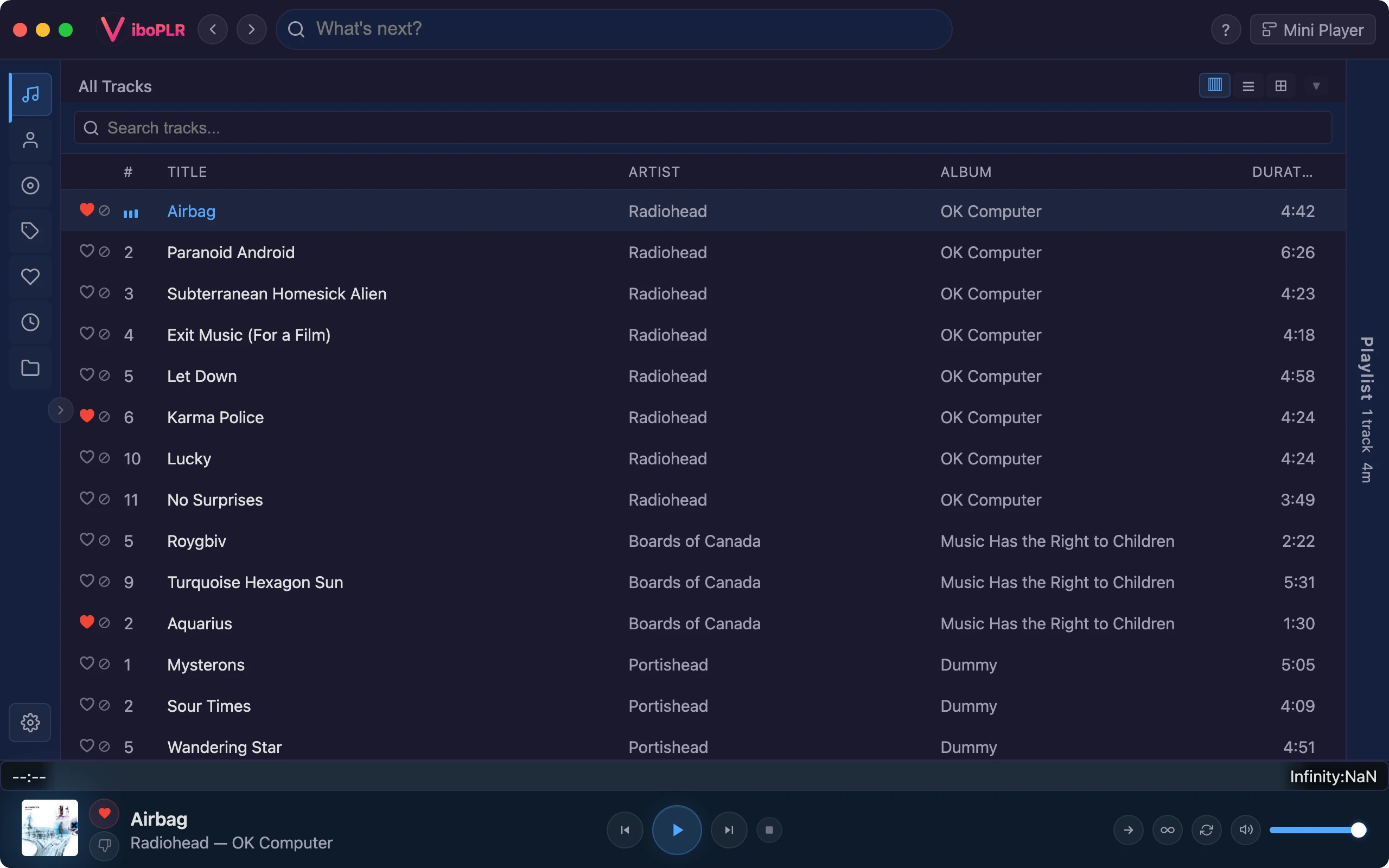
Viboplr library albums in tiles view
Search

Find anything in milliseconds

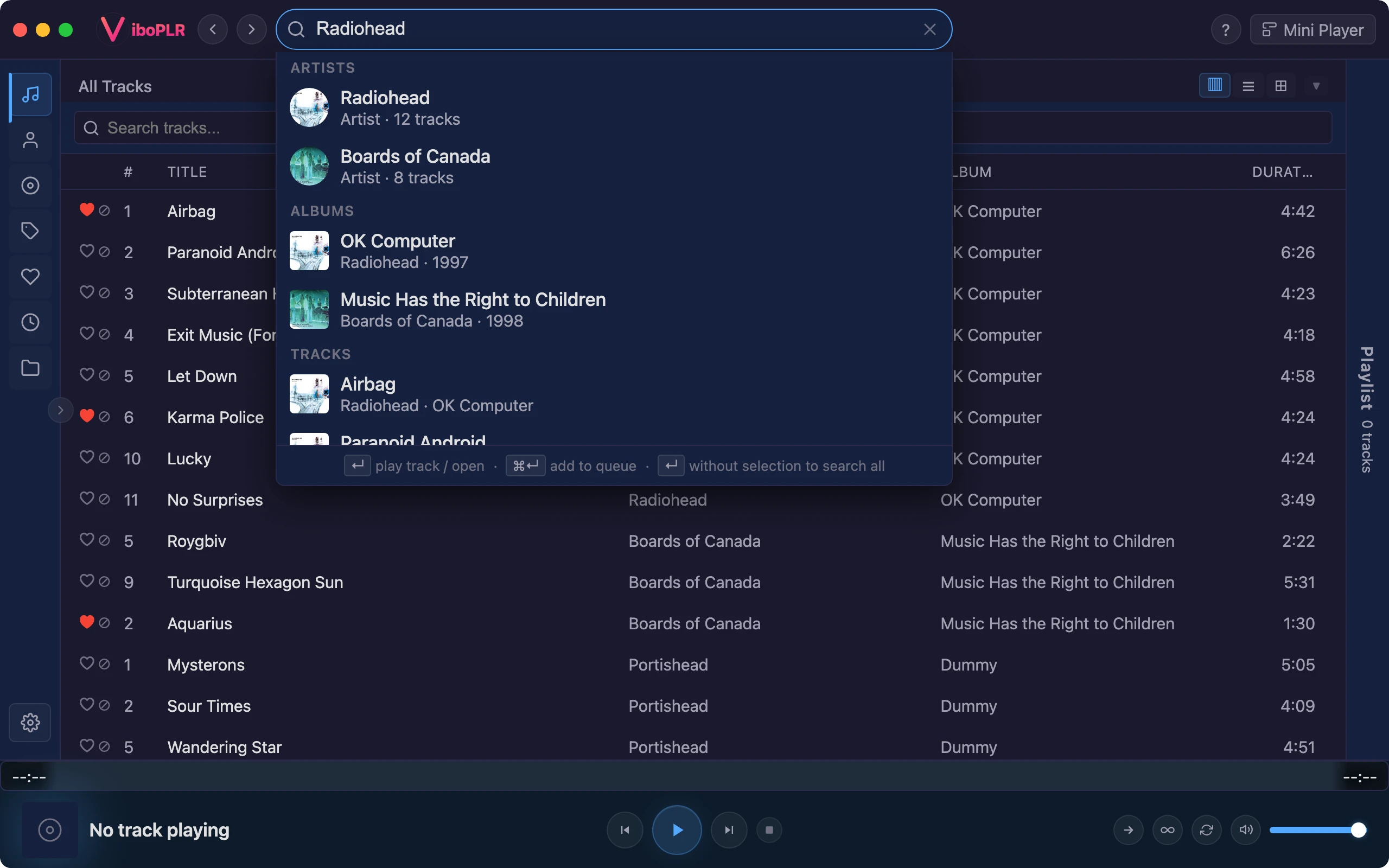
FTS5-powered full-text search across artists, albums, tracks, and tags. Accent-insensitive and forgiving — find what you want even when you can't remember the exact spelling.

Full-text search with FTS5
Accent & case insensitive
Sub-100ms results across entire library
Search by artist, album, track, or tag
Viboplr full-text search with results
Servers

Local meets streaming, seamlessly

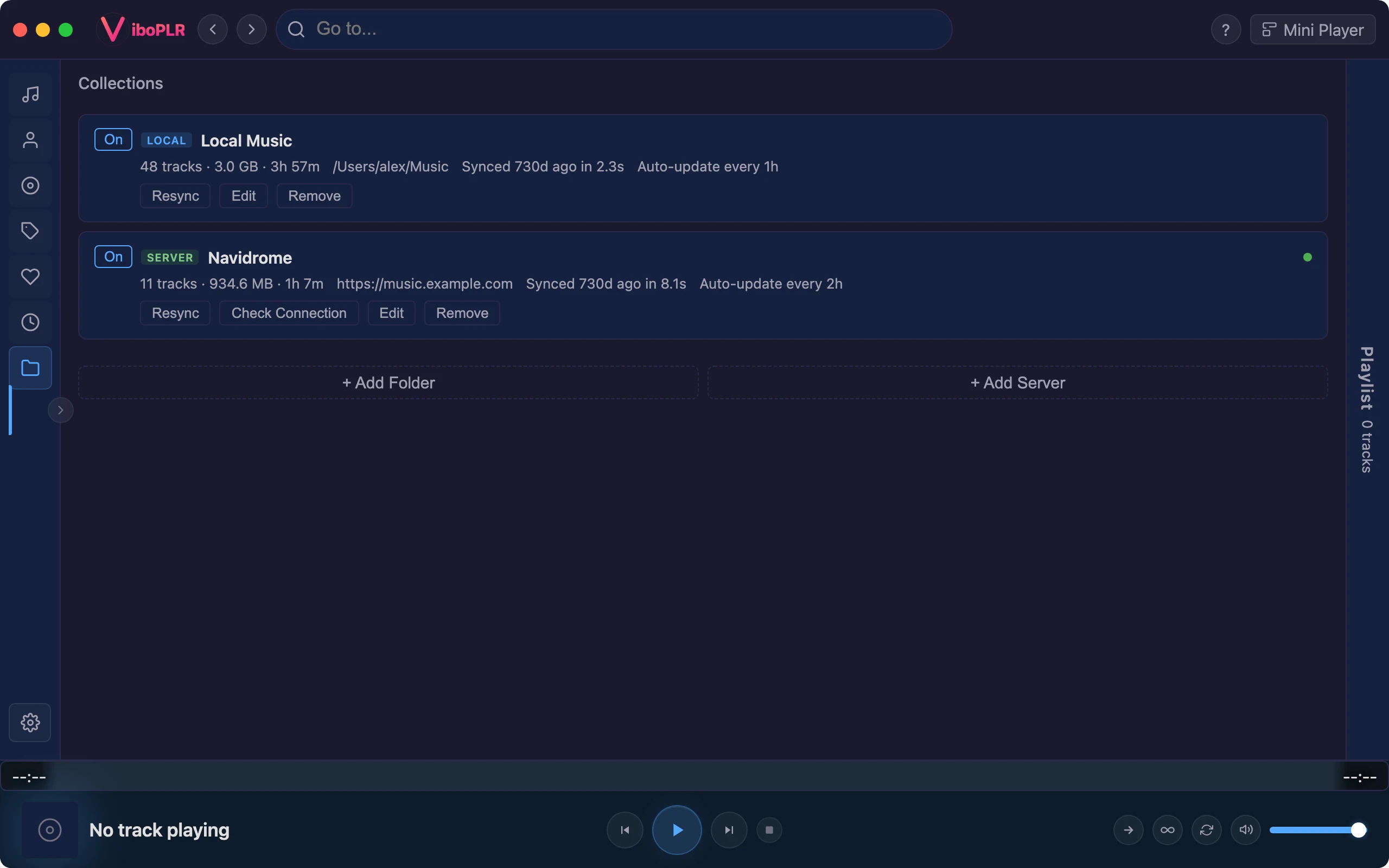
Point Viboplr at local folders and Subsonic or Navidrome servers for one unified library. Add streaming services through plugins — they slot straight into the same player, queue, and search.

Subsonic & Navidrome support
Unified library across all sources
TIDAL Hi-Fi lossless streamingplugin
Spotify & YouTube browse and playbackplugin
Viboplr collections view with local and server sources

Discovery

Your own collection, resurfaced — stations, shelves, and endless queues.

Home

A home screen that knows your library

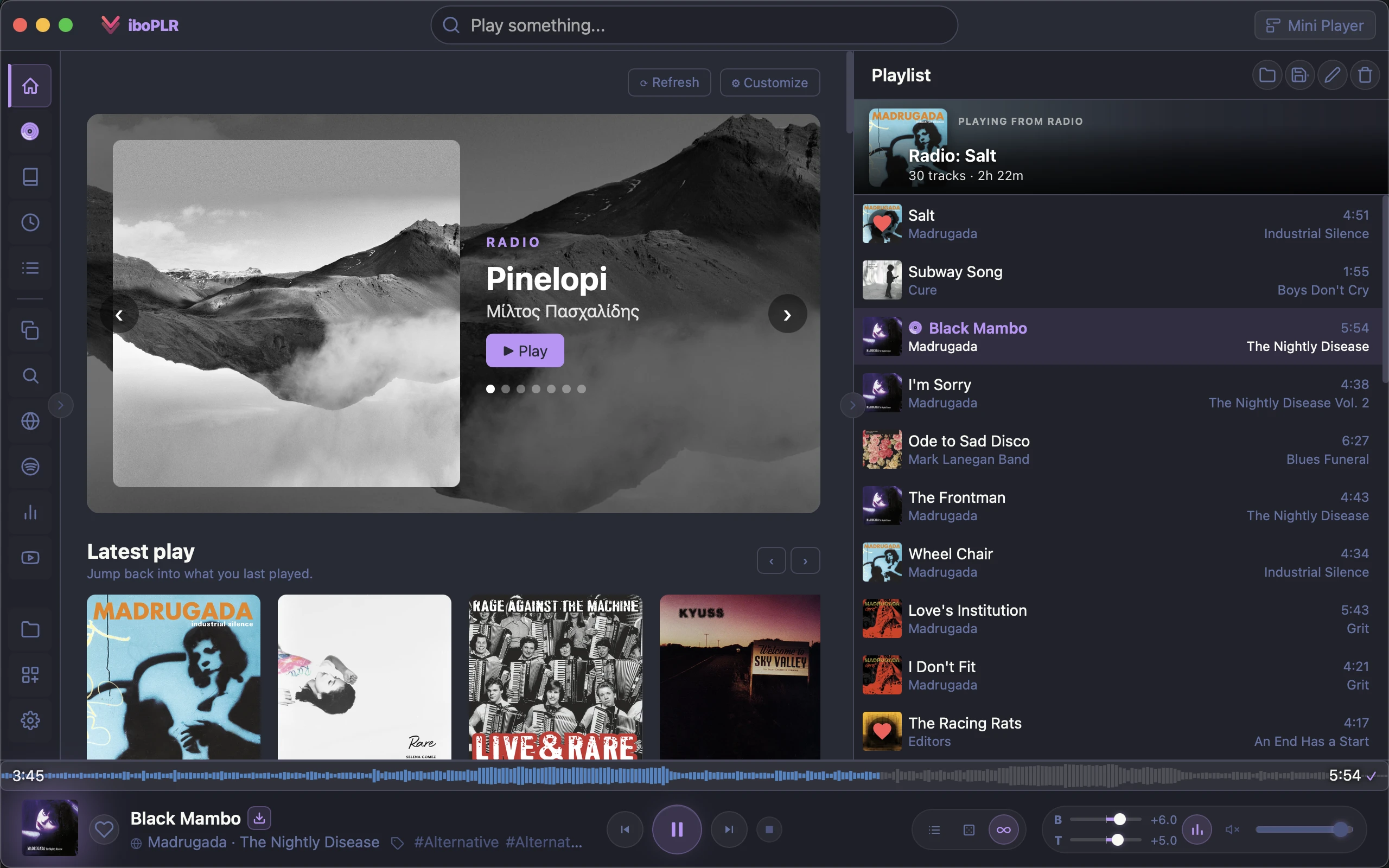
Open Viboplr to a curated landing page — an auto-rotating carousel of radio stations built from your own music, plus shelves that resurface recent plays, your most-played, and albums you'd forgotten you owned.

Radio-station carousel seeded from your library
“Recently played” & “Most played” shelves
“Jump back in” & “Recently added”
Extra shelves contributed by pluginsplugin
Viboplr home view with radio stations and shelves
Radio

Rediscover your own music

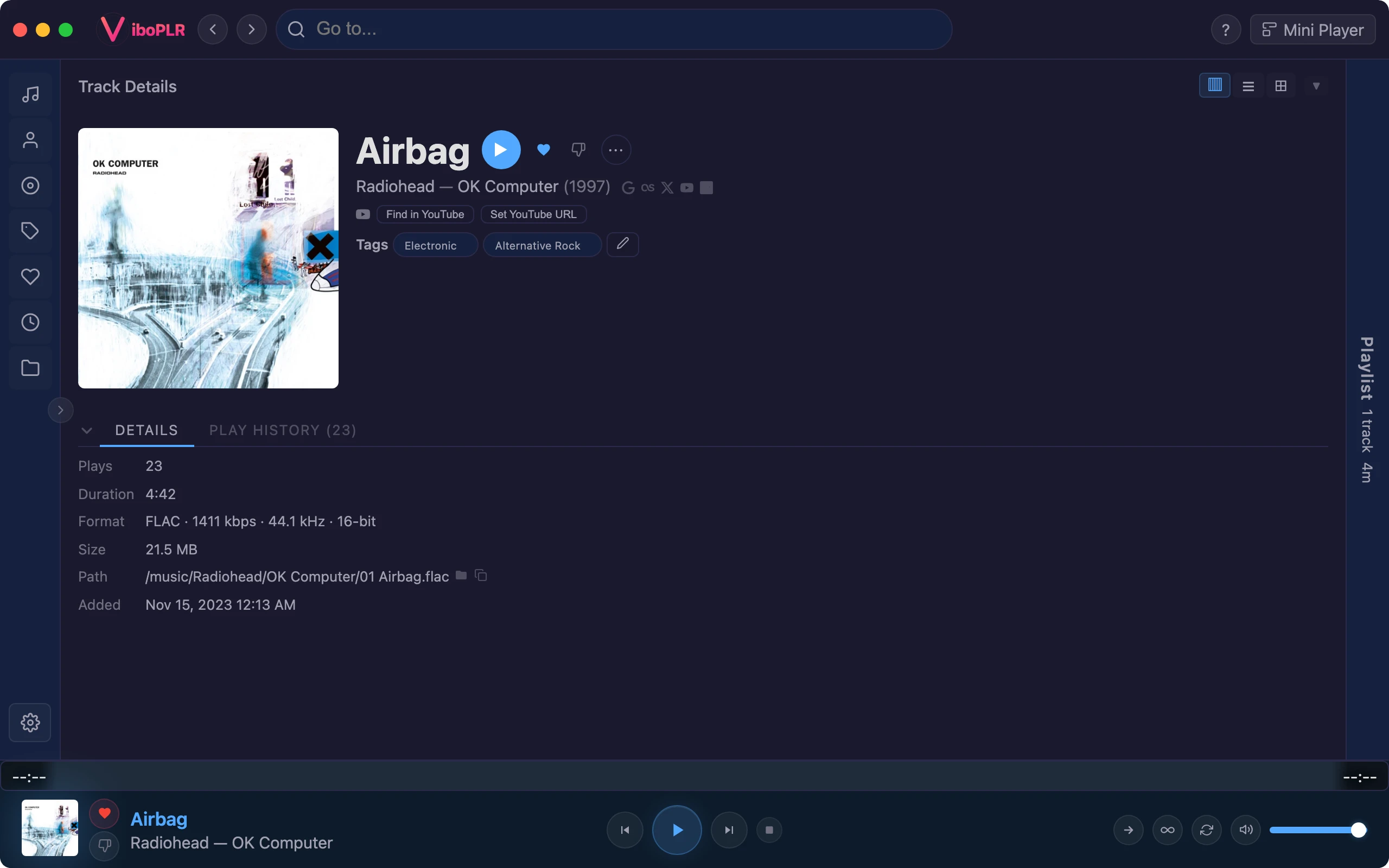
Start an endless station from any track, artist, or tag and Viboplr builds the queue from what fits. When a queue runs dry, auto-continue keeps the music going using weighted strategies you control.

One-click radio from any track, artist, or tag
Auto-continue with weighted strategies
Mix by same artist, tag, most-played, or liked
Similar tracks, artists & bios via Last.fmplugin
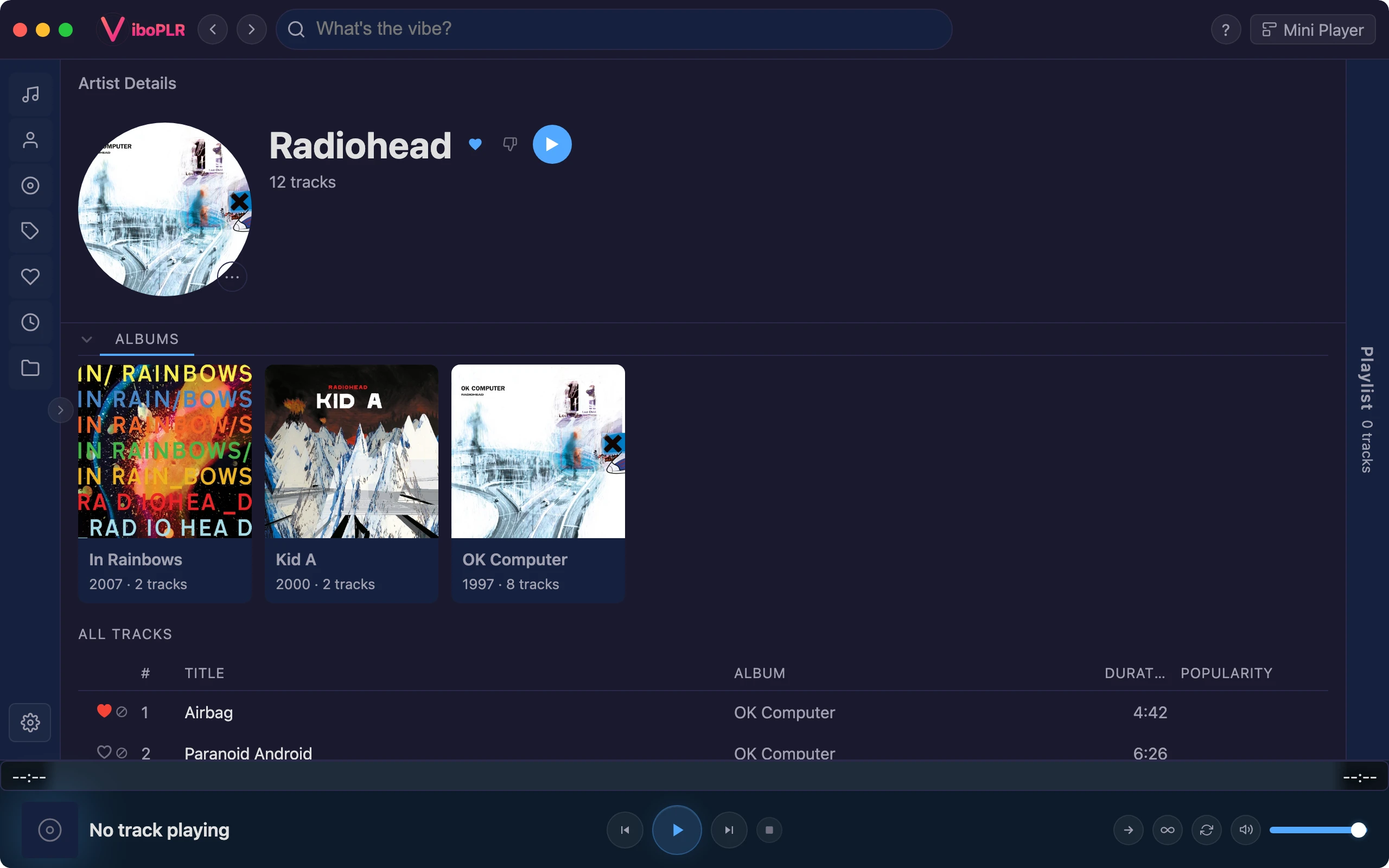
Viboplr track detail with a radio queue playing

Make It Yours

Shape the app around how you listen.

Keyboard

Built for power users

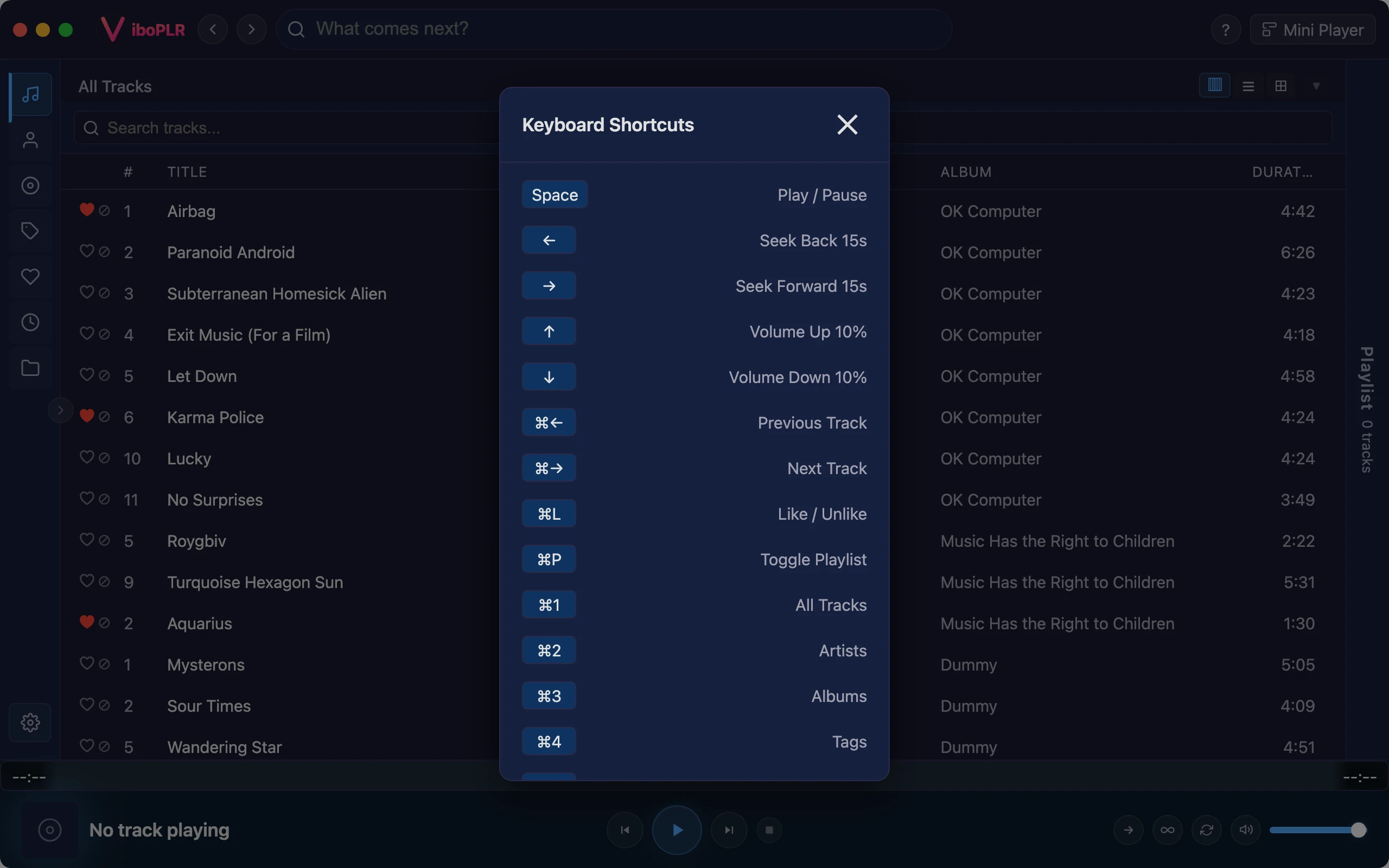
Over 35 keyboard shortcuts for everything from playback to navigation. Never leave the keyboard — control your music as fast as you can think.

35+ keyboard shortcuts
Playback, volume, navigation, search
Discoverable via shortcut overlay
Vim-inspired navigation keys
Viboplr keyboard shortcuts overlay
Skins

Make it yours

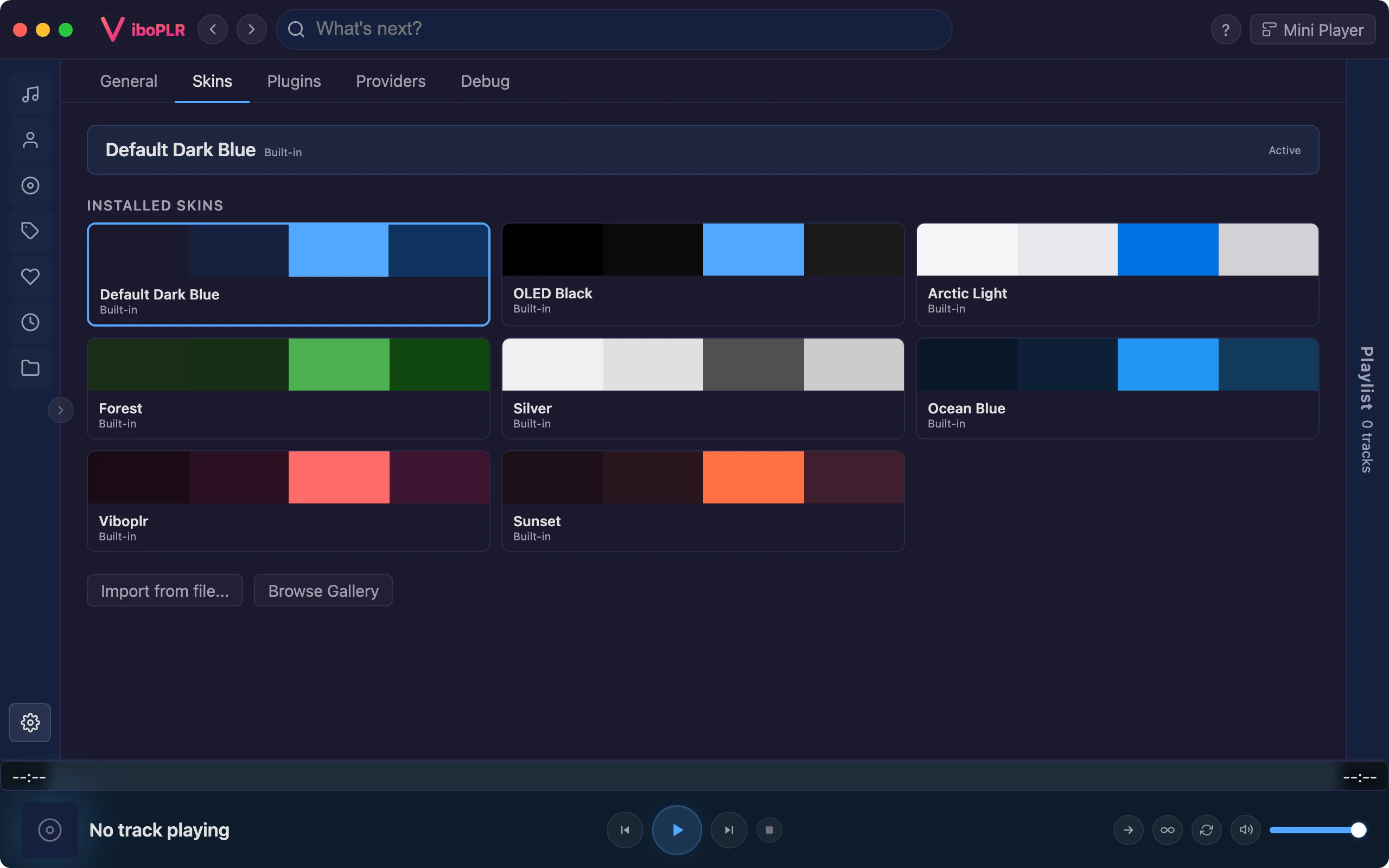
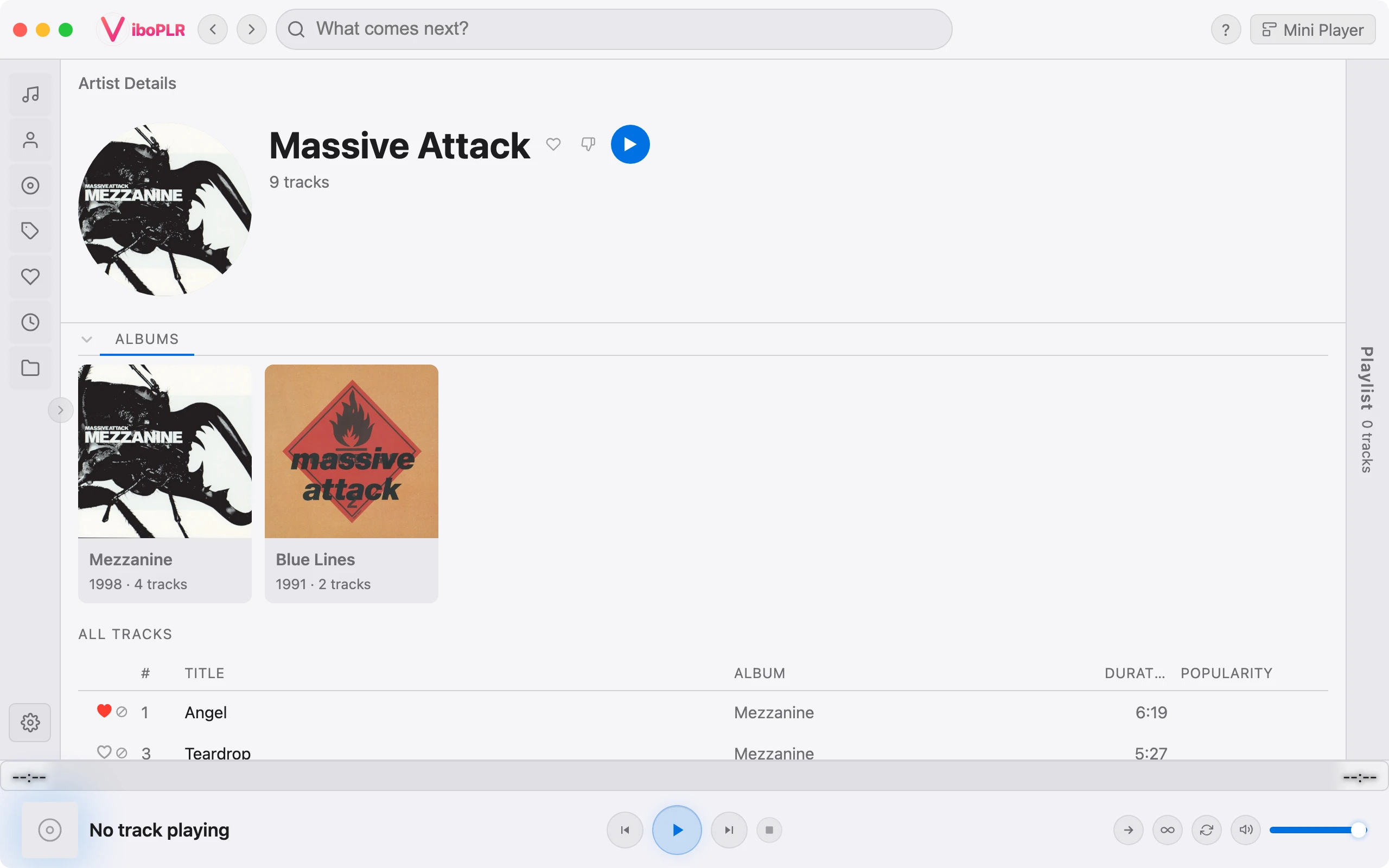
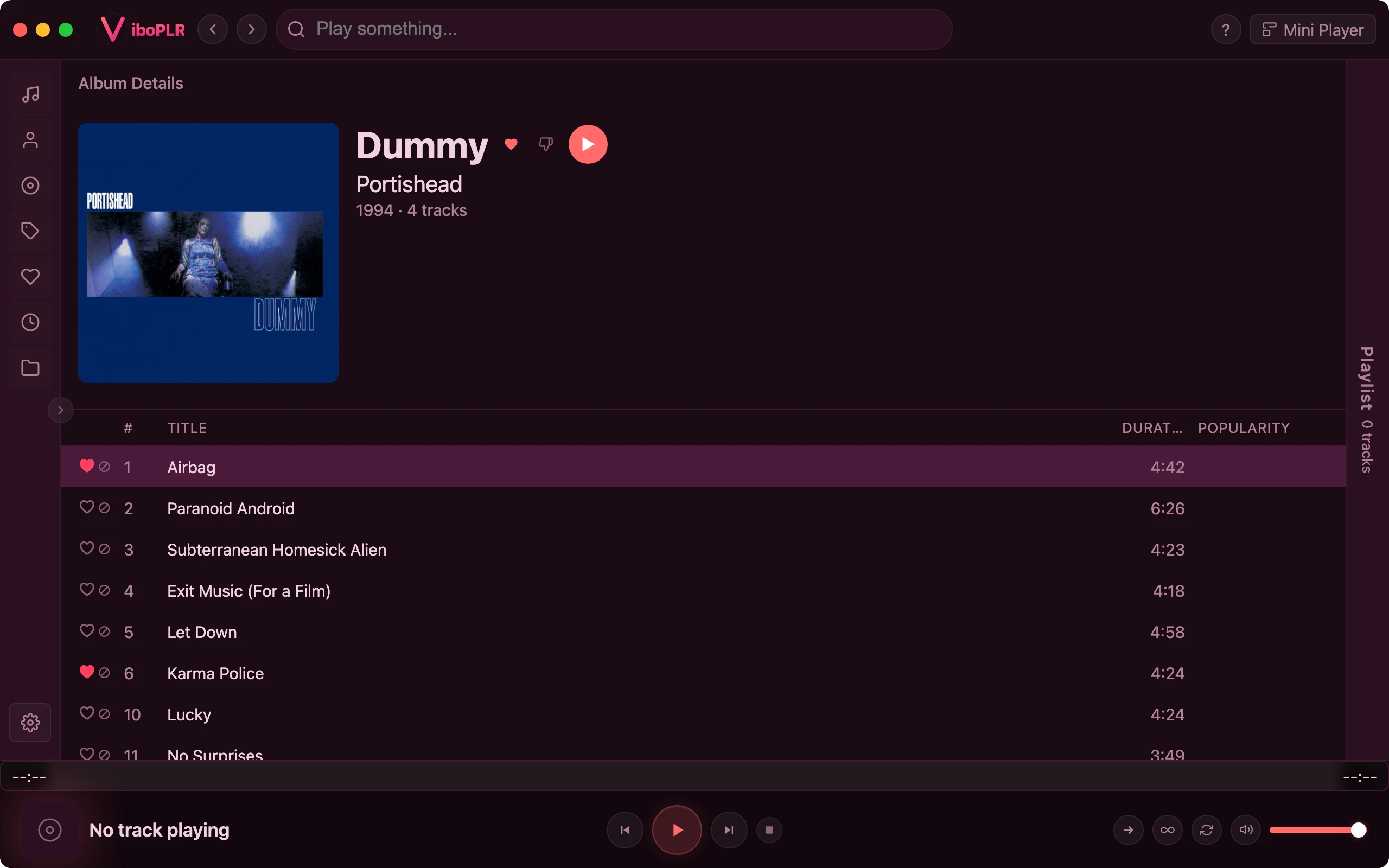
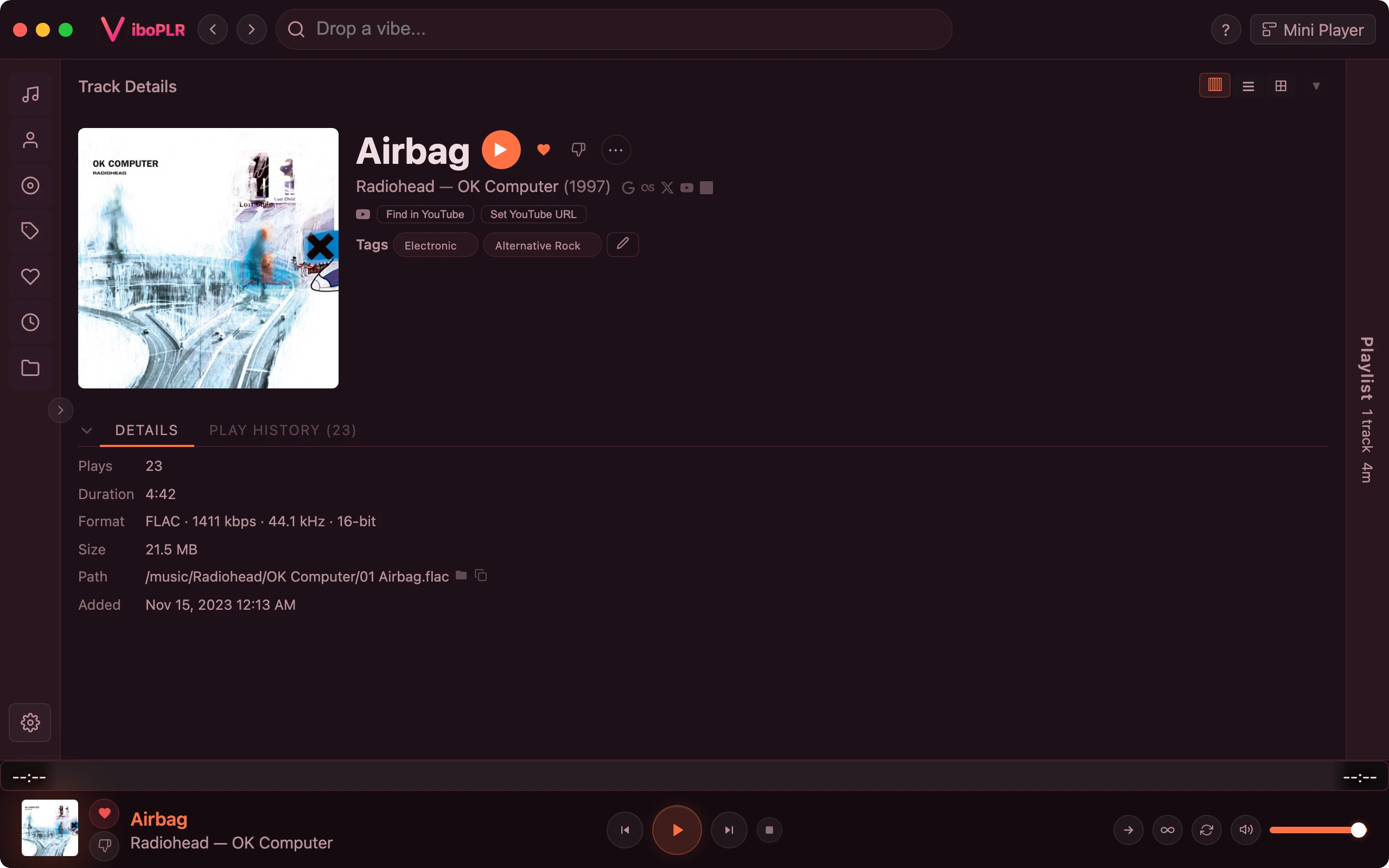
Choose from 8 built-in skins or install community skins from the gallery. Import your own JSON skin files with 13 customizable color tokens and optional custom CSS.

8 built-in skins (dark & light)
Community skin gallery
13 color tokens for full UI theming
Import custom JSON skins
Viboplr installed skins gallery

Powered by Plugins

An orchestrator at heart — extend Viboplr with streaming services, metadata, and entirely new views.

Ecosystem

Extend it your way

A JavaScript plugin system powers streaming, lyrics, artwork, scrobbling, and downloads. Built-in plugins ship with the app; install more from the in-app gallery, or build your own with custom views, home shelves, context-menu actions, and event hooks. You can even run Viboplr with no local collection at all — the Spotify and YouTube plugins turn it into a pure streaming player.

Streaming, lyrics, artwork & scrobbling plugins
One-click install from the in-app gallery
Custom sidebar views, home shelves & context actions
Per-plugin storage; structured views (no raw HTML)
No local files needed — stream via Spotify & YouTubeplugin
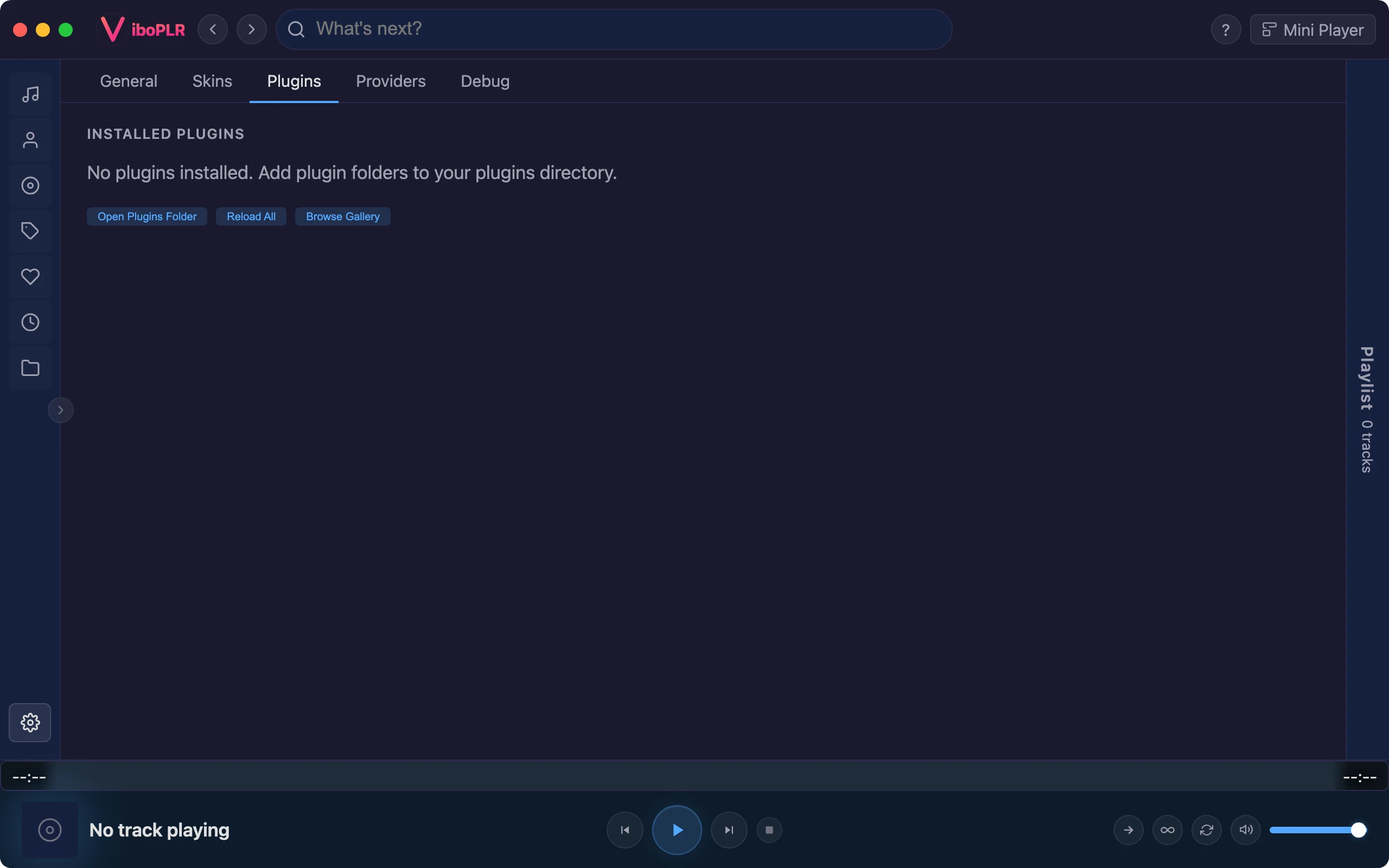
Viboplr installed plugins in the Extensions view

Ready to try Viboplr?

Free, full-featured, and built for music lovers.