v1.0.111 Free & open source · macOS & Windows

The player for
music you own

Your folders and your Subsonic or Navidrome server, in one fast library and one queue. Radio from any song you own, a home screen that brings back the albums you forgot, synced lyrics, and gapless, bit-perfect playback. Free and open source, for macOS and Windows.

See what it does for your library ↓
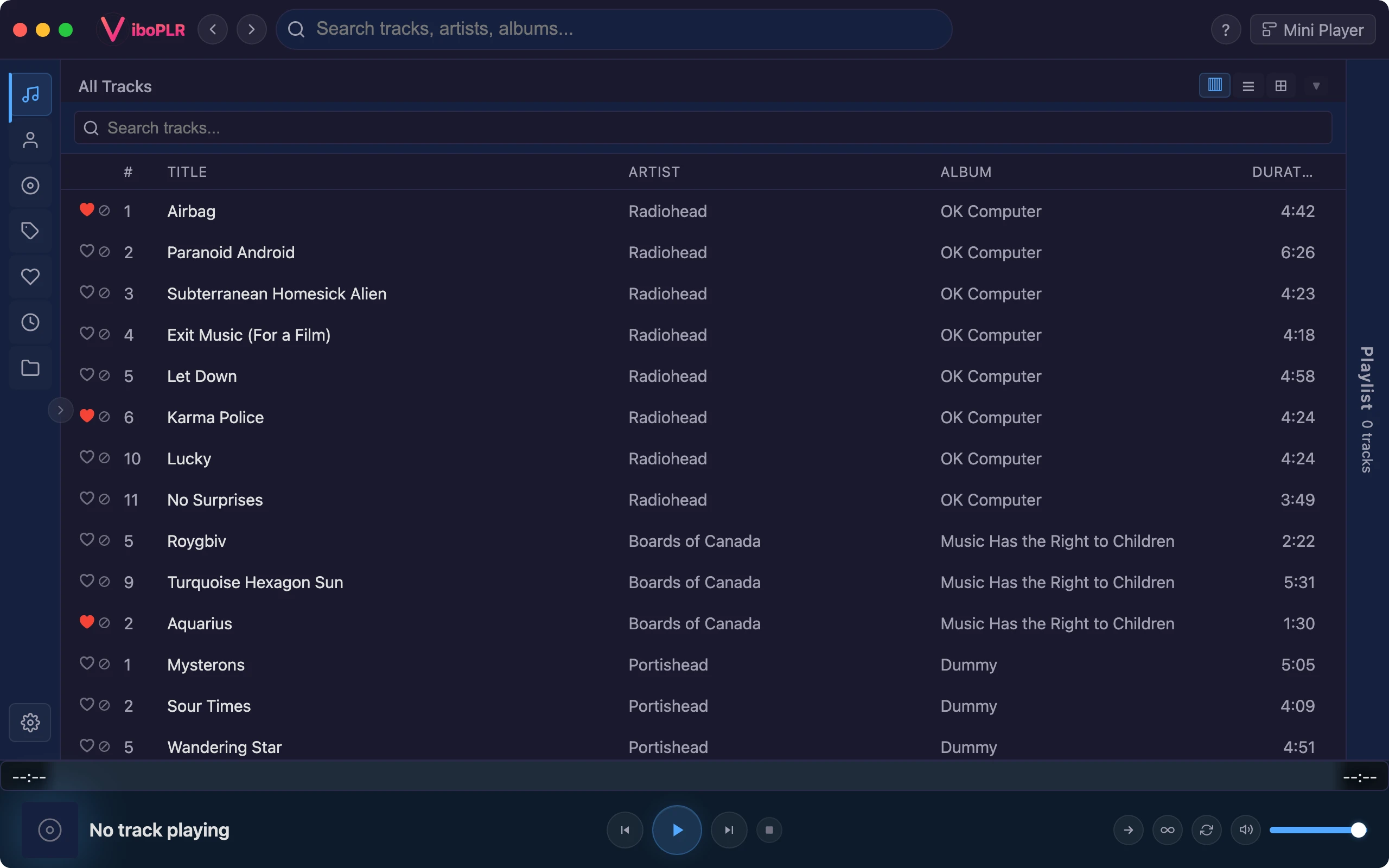
Vibo home view with radio stations, shelves, and a playing queue

Made for the music you own

A big folder of files, a home server, a shelf of FLACs. Vibo is built around them, not around a catalog you rent.

And it talks

Ask for it. It’s done.

Vibo ships its own MCP server, so Claude or any AI assistant can run your library for you. It’s optional and off until you turn it on. When you do, your assistant gets real tools, not screen-scraping, for everything from playlists to the files on your disk.

Powerful, and on a leash

Works with Claude Desktop, Claude Code, Cursor or any MCP client. Setup is two clicks in the app.

Runs on your computer only, off until you turn it on
Anything that touches your files sits behind its own switch
Moves and file swaps are planned and shown before anything changes
It can never delete your music or install anything

Build playlists

From your likes, your history, a mood or a decade — created, filled and reordered for you.

“Thirty upbeat songs from the 90s I haven’t heard in a while”

Fix tags

Clean up genres, artists, album artists and years across hundreds of tracks, in the library or right in the files.

“Merge ‘Hip-Hop’, ‘hiphop’ and ‘Hip Hop’ into one tag”

Organise the library

Rename and move files into a tidy folder layout, and save lyrics and covers next to your music.

“Add a cover.jpg to every album that’s missing one”

Download tracks

Pull tracks from your own server into a local folder, or through download plugins — indexed the moment they land.

“Download this album from my server into my Music folder”

Upgrade copies plugin

Swap an MP3 for a FLAC in place. You see the quality side by side first; likes, tags and playlists stay put.

“Replace my low-bitrate copies of this album”

Know your listening

Ask anything about your library, your likes and your play history, and get a real answer.

“What did I play most last March?”

Run the player

Play, queue, skip, start radio from any song, switch skins — hands-free while you work.

“Play something mellow, then queue the new album”

Use your plugins plugin

Installed plugins become tools too: read a Spotify playlist, search Soulseek, browse a streaming catalog.

“Rebuild my Spotify ‘Road trip’ playlist from my library”

More ways to use Vibo

The same player, seen from a different chair.

Whoever you are, the basics

Free, for real

No subscription, no ads, no premium tier. The whole app is open source.

Yours, on your machine

No account to create. Your library, likes and history live on your computer. The app reports nothing about you — only anonymous usage stats, and one switch turns those off.

Light and fast

Built with Rust and Tauri on the system’s own webview — no bundled Chromium. It starts fast and searches big libraries instantly.

Extend it your way

Streaming, lyrics, artwork, scrobbling and downloads come as plugins you install with one click from the gallery.

Ready to try Vibo?

Free, open source, and built end-to-end with an AI assistant — every feature, every detail.