Who wrote it, what the lyrics mean, what the critics said, who sounds like them. Vibo puts it all next to the music, so you never have to leave the song to learn about it.
Lyrics
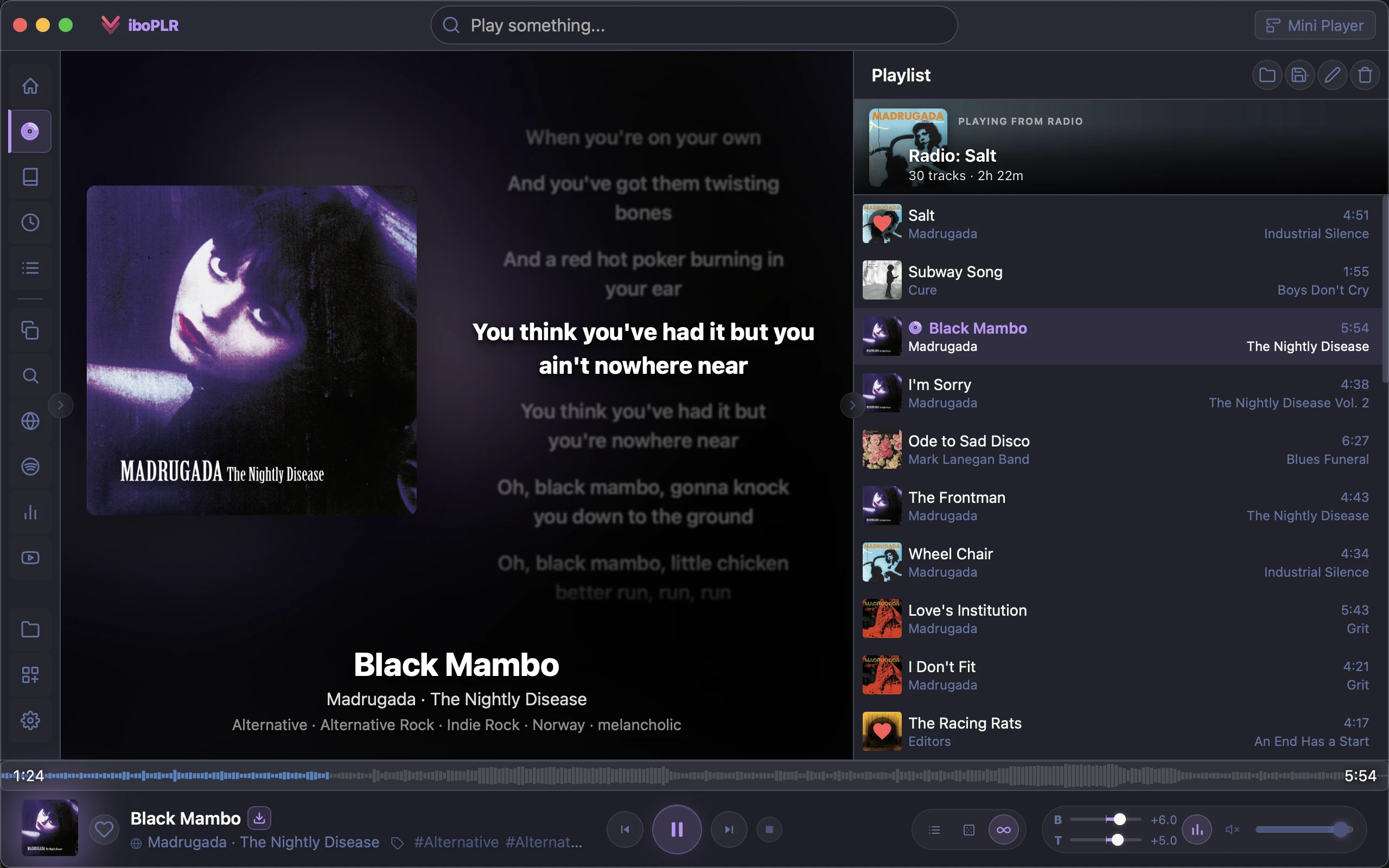
Sing along, line by line
Synced lyrics light up as the song plays, karaoke-style. Tap any line to jump there. If a file’s timing is a little off, nudge it and Vibo remembers the fix for that track.
Your own lyrics first: embedded in the file, a .lrc beside it, or a Lyrics folder
Then online sources such as LRCLIB and Lyrics.ovhplugin
Search every lyric you’ve seen to find “that song with the line about…”plugin
Artist pages
Know who you’re hearing
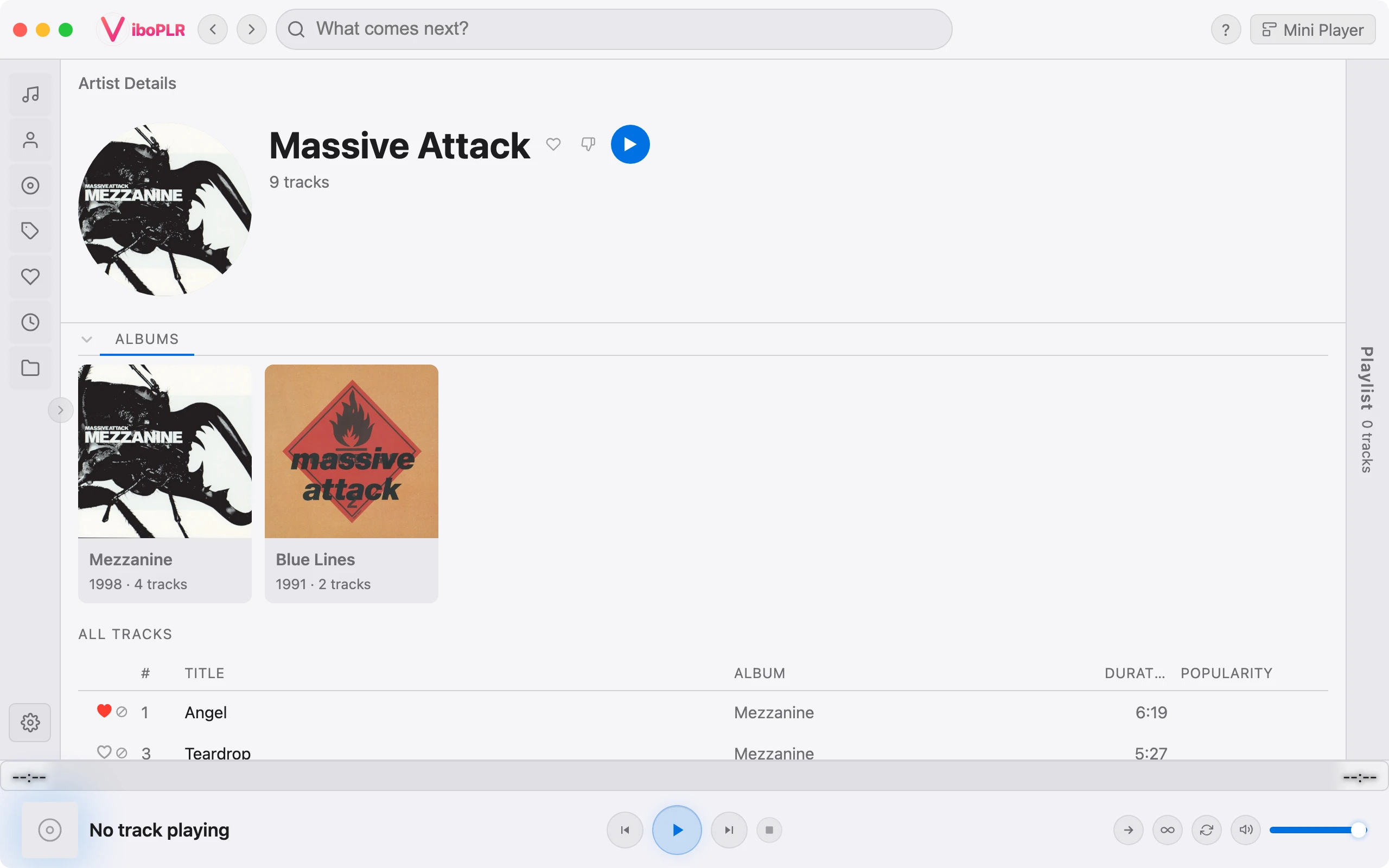
Open any artist for their biography, listener stats, similar artists and top songs. Top songs you don’t own yet appear right in the track list, marked “Not in library” — play them anyway, or start a radio from them.
Bio, stats, similar artists and top songs from Last.fmplugin
“6 of top 10 songs in library” at a glance
Artist photos from TheAudioDB, Deezer and MusicBrainzplugin
Album pages
See the whole album
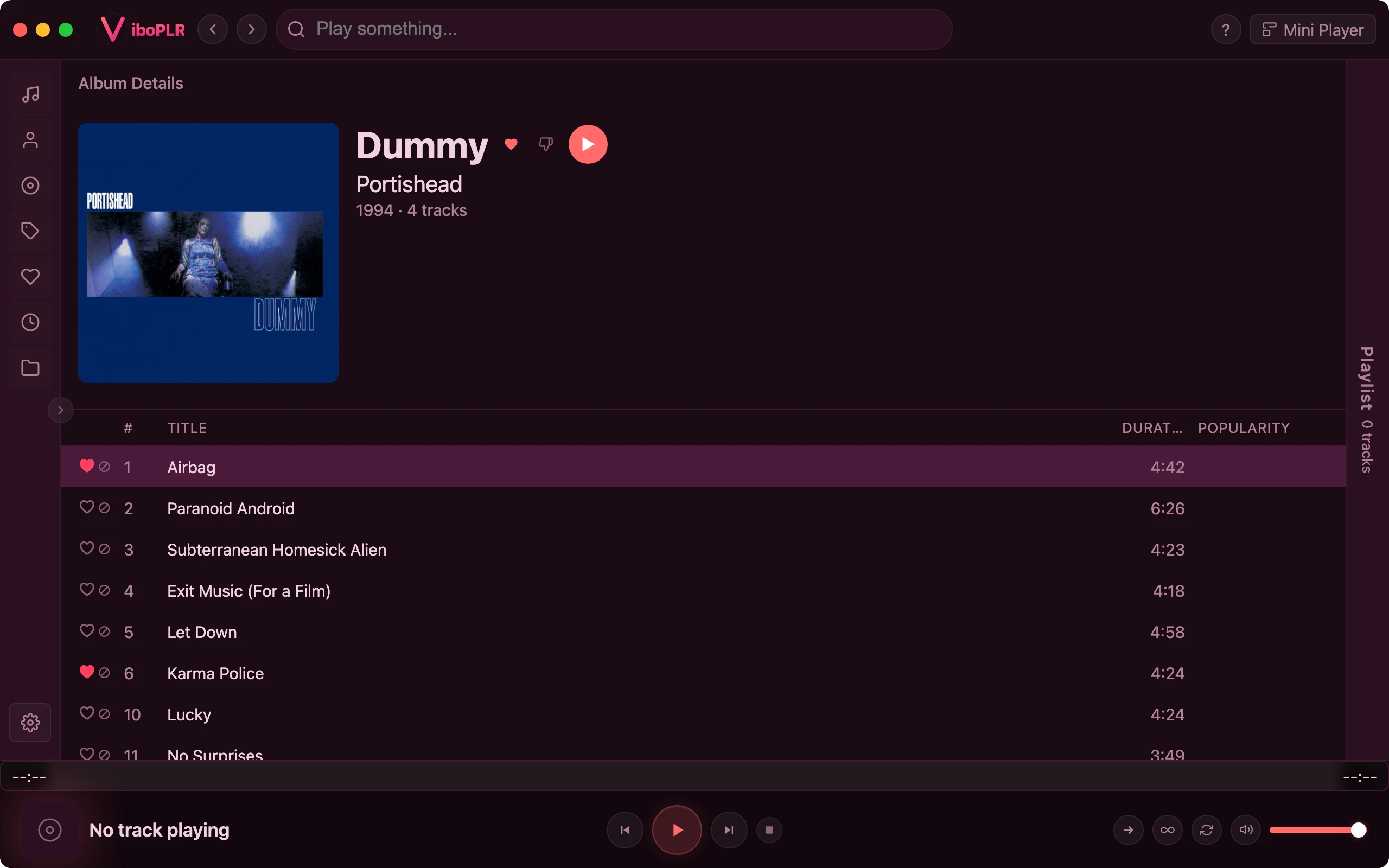
An album page shows the full tracklist, not just the songs you happen to have, with the ones you’re missing slotted into place. Read its review, see which tracks are the fan favourites, and open albums you don’t own at all.
“9 of 12 in library” — and exactly which three you’re missing
Album reviews and track popularityplugin
Songs
What is this song really about?
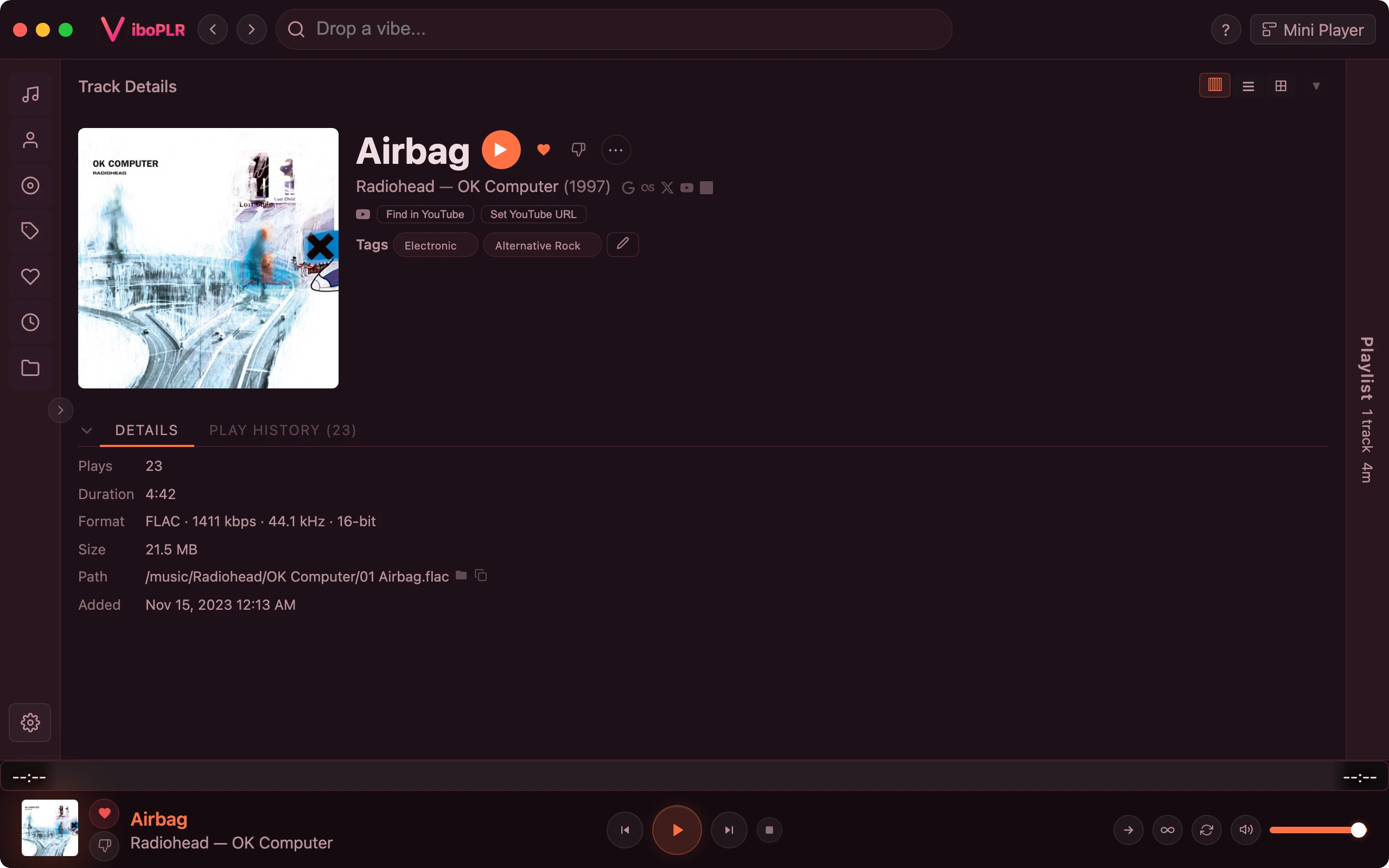
Every track has its own page: the song’s background, its lyrics with line-by-line explanations, community tags, similar tracks and your own play history. The same write-ups are one tap away in the Now Playing view.
Song meanings and backgrounds from Geniusplugin
Similar tracks and community tagsplugin
Full file details: format, sample rate, bit depth, plays