For audiophiles

Hear the file,
not the mixer

Vibo plays your lossless library through a native engine, takes your DAC for itself when you ask, and tells you honestly whether what reaches it is bit-perfect.

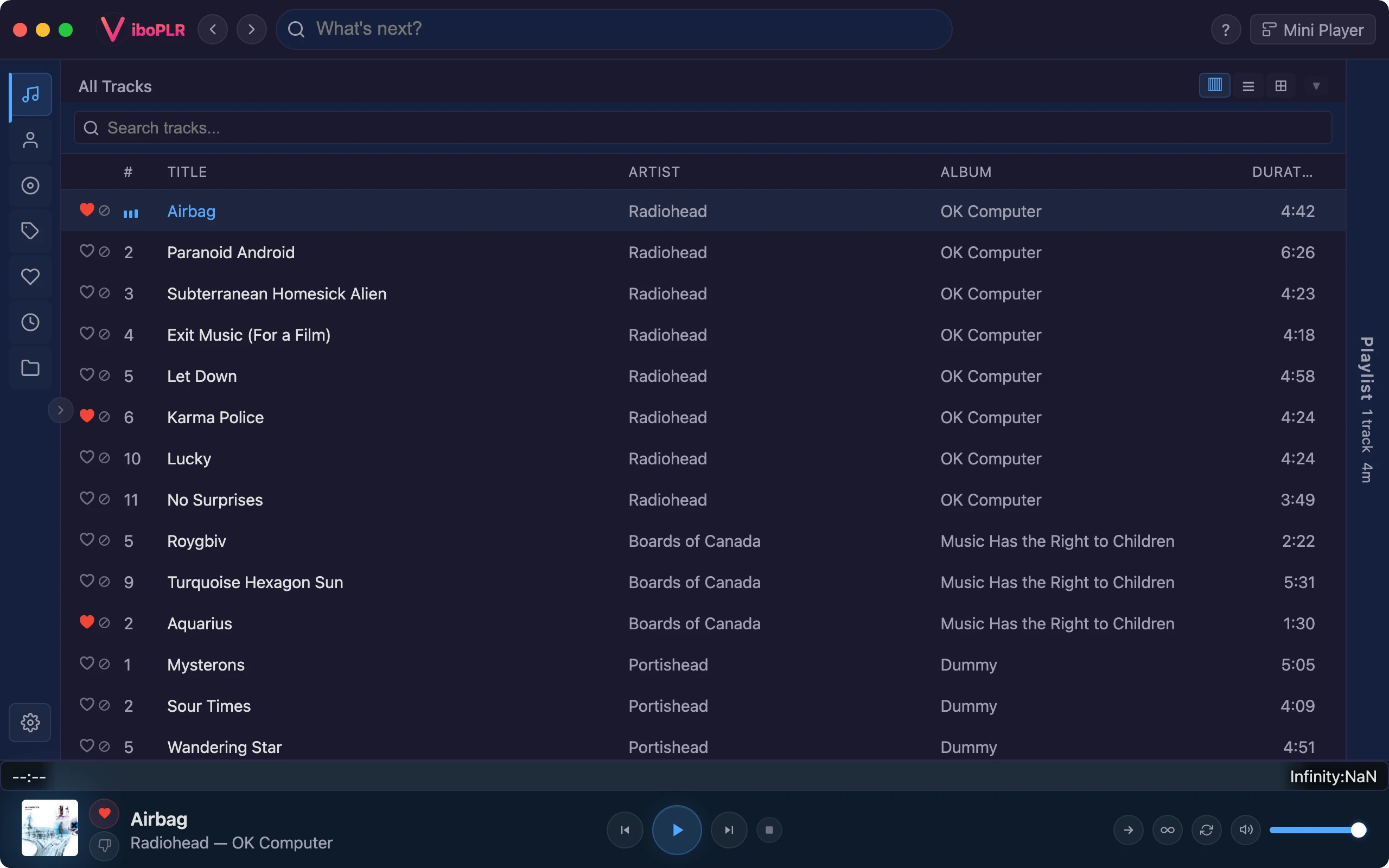
Vibo playing a lossless track, with the waveform seek bar and the equalizer's bass and treble sliders in the player bar
Bit-perfect mode

One click, and it checks its work

Bit-perfect needs the whole chain to leave your samples alone. Instead of a checklist, Vibo has one switch in the player bar. It pins your output device, takes exclusive access to it, sets the equalizer, ReplayGain and speed aside, holds the volume at 100% and lets the device follow each track’s sample rate.

Turns green only when the device is confirmed held and file, output and device all run at the same rate
Amber tells you what is in the way
Your own settings come back exactly as they were when you switch it off
How Bit-perfect mode works →
Native engine

Built on libmpv

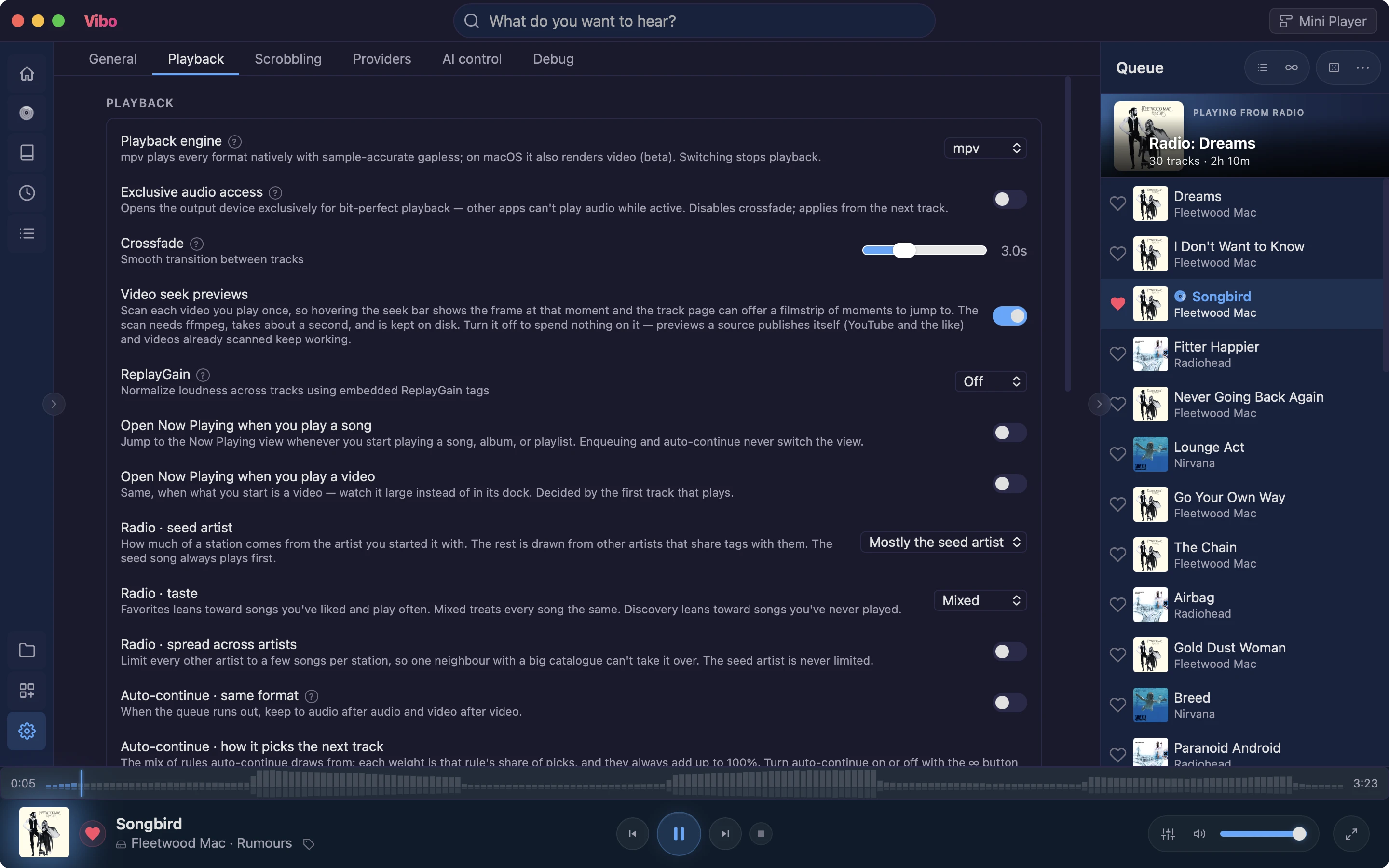
Vibo’s default engine is libmpv, the playback core of the mpv media player, bundled with every copy. It decodes FLAC, ALAC, Opus and the rest natively, with no transcoding along the way.

Exclusive audio access: CoreAudio hog mode on macOS, WASAPI exclusive mode on Windows
Samples travel from the file to your DAC without the OS mixer resampling them
One download — no editions, nothing extra to install
About exclusive audio access →
Settings → Playback: playback engine, exclusive audio access, crossfade, ReplayGain and radio options
Album listening

Gapless where it should be

Live albums and continuous mixes play the way they were mastered: with crossfade off, the next track starts the instant the current one ends, sample-accurate on the native engine. Prefer a blend for playlists? Crossfade runs up to 10 seconds.

ReplayGain in Track or Album mode, read from your files’ tags
Album mode keeps the quiet-to-loud dynamics between songs
Pre-amp and clipping prevention
About ReplayGain →
Equalizer

Shape it, when you want to

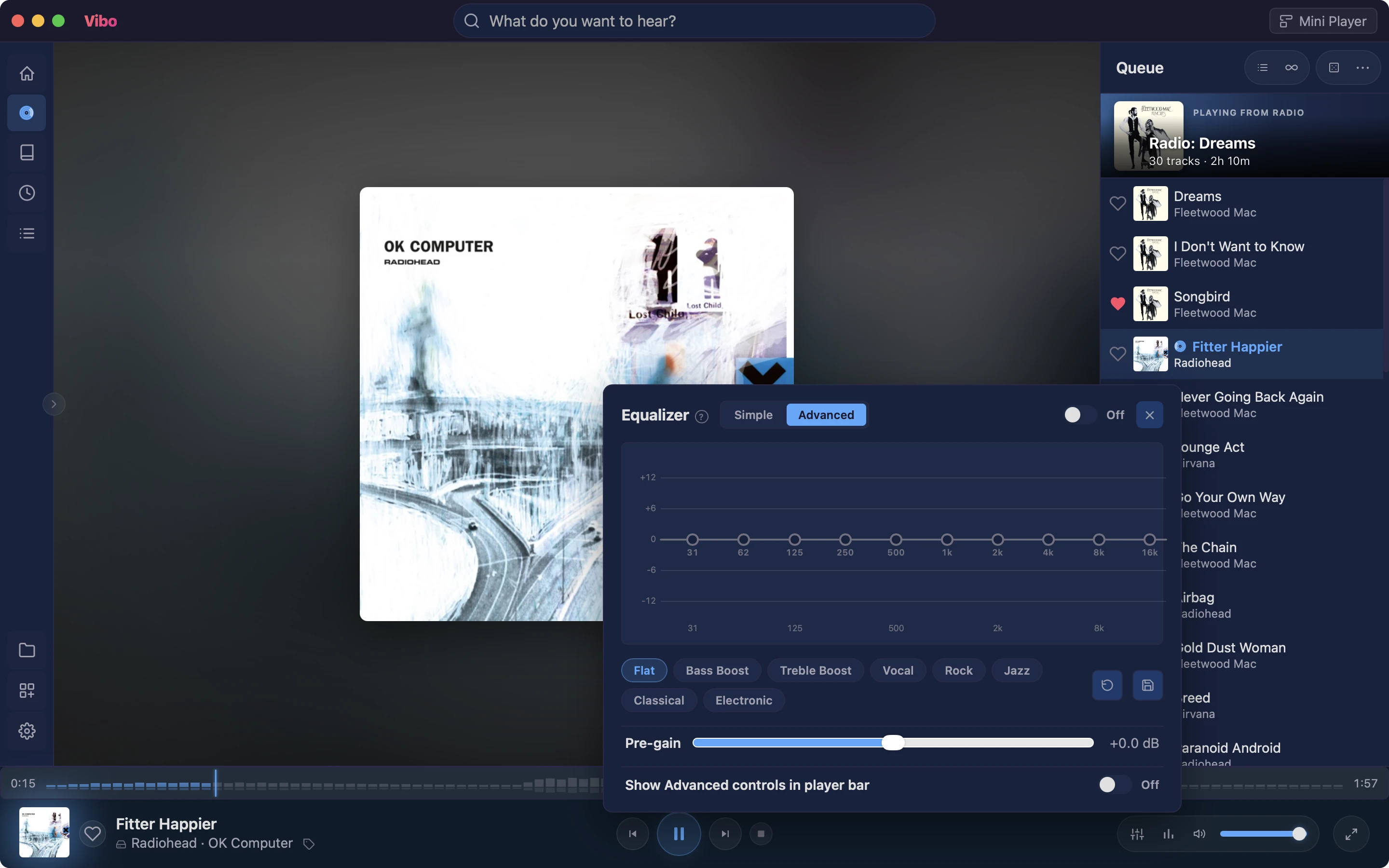
Not every session is about purity. The equalizer has a Simple mode — Bass and Treble plus one-tap presets — and an Advanced mode with a handle per band, your own saved presets and a pre-gain slider.

Boost clip protection: Loudness (limiter) or Fidelity (no limiter, no pumping)
Bass and Treble sliders right in the player bar
Set aside automatically by Bit-perfect mode
About the equalizer →
The equalizer panel open over Now Playing, with presets and pre-gain

Also for you

Ready to try Vibo?

Free, open source, and built end-to-end with an AI assistant — every feature, every detail.