Years of rips, downloads and purchases deserve better than “Unknown Artist”. Vibo gives you the tools to fix a big library properly — in the files themselves, not just in the app.
Bulk edit
Fix a hundred tracks at once
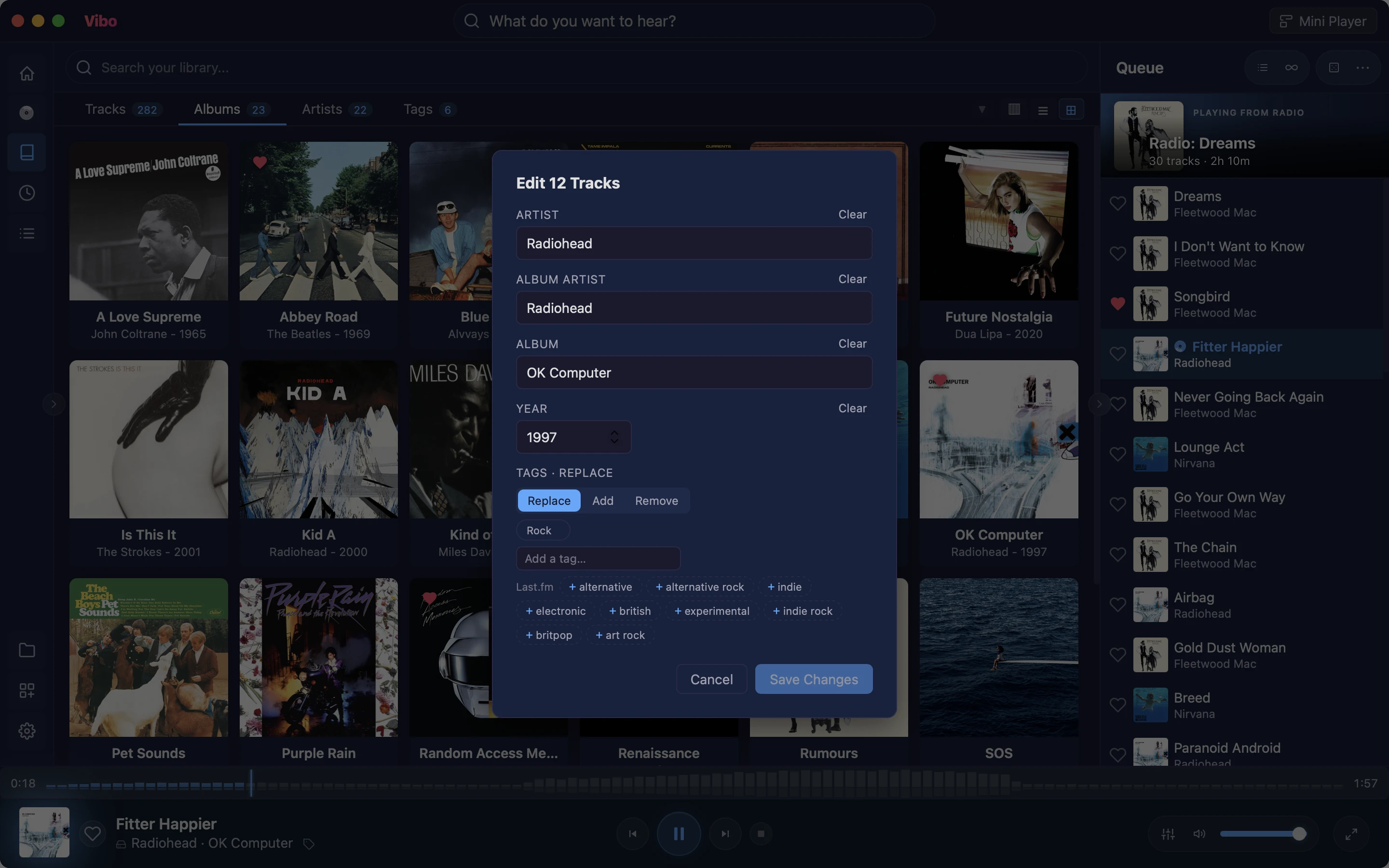
Select any number of tracks and set the artist, album artist, album, year or tags in one go. Fields that differ across the selection say so, so you never overwrite something by accident. The changes are written into your audio files’ tags, so every other app sees them too.
Tags in Replace, Add or Remove mode — written to the files’ genre
Title and track number for single tracks
Tag suggestions from your library and from Last.fm’s community tagsplugin
Album artists
Compilations, done right
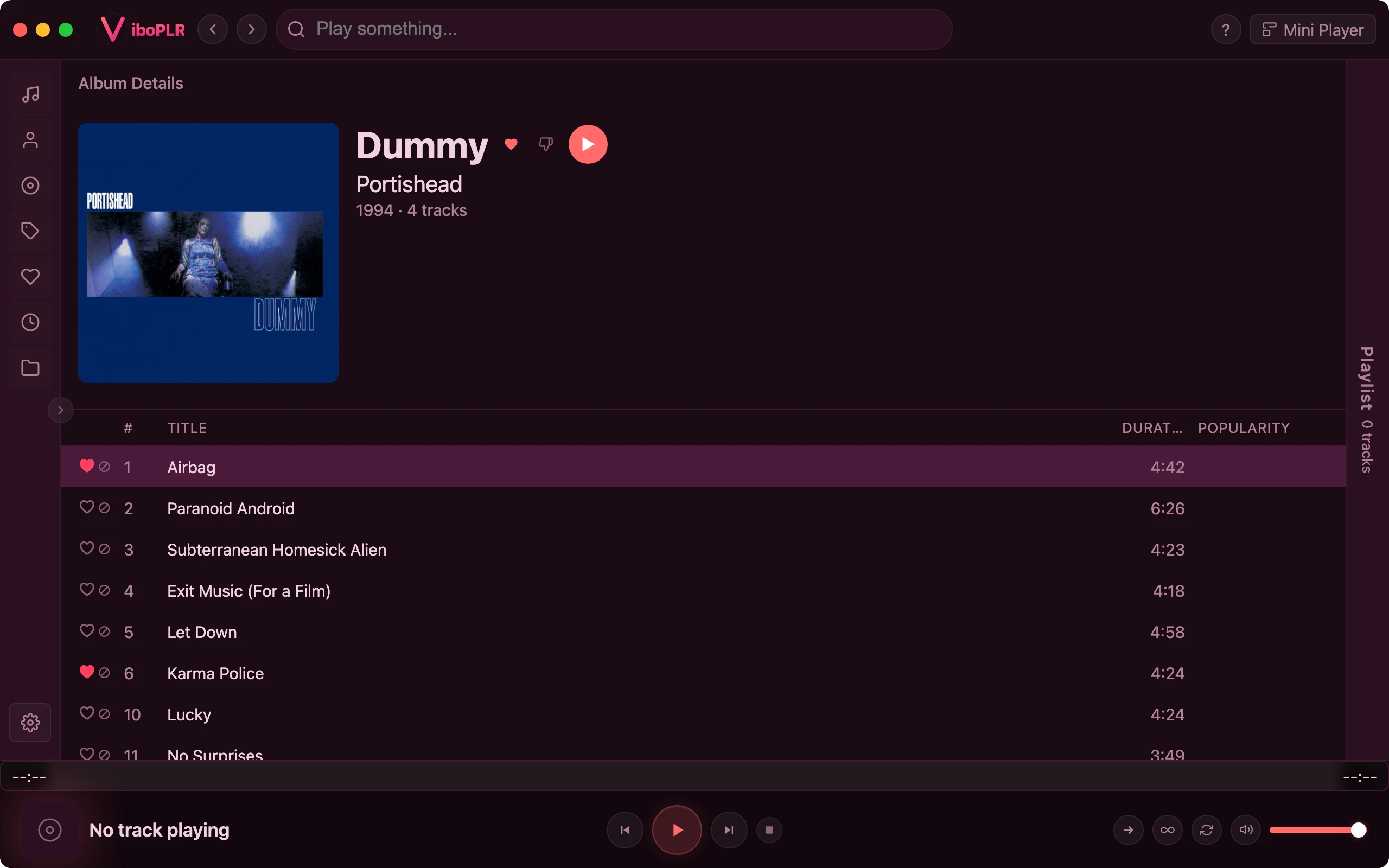
Vibo files an album under its album artist. A tagged compilation becomes one album owned by “Various Artists”, while every track keeps its own performer — no more soundtrack split into twenty one-song albums.
Untagged compilation? Set its album artist in bulk edit and it merges
Full rescan picks up tag edits made in other apps
Collections refresh on a schedule you choose
Upgrades
Better copy? Swap it in place
Found a lossless version of a track you only had as an MP3? Vibo downloads it, shows you the old and new file side by side — format, size, path — and replaces the file only when you confirm. The track stays in your playlists and keeps its likes.
Compare before you replace — nothing changes until you say so
Works with your download plugins, like Soulseekplugin
Video: upgrading a trackDownload a FLAC for an MP3 in the library → Compare files → Replace
Big libraries
Every format, found instantly
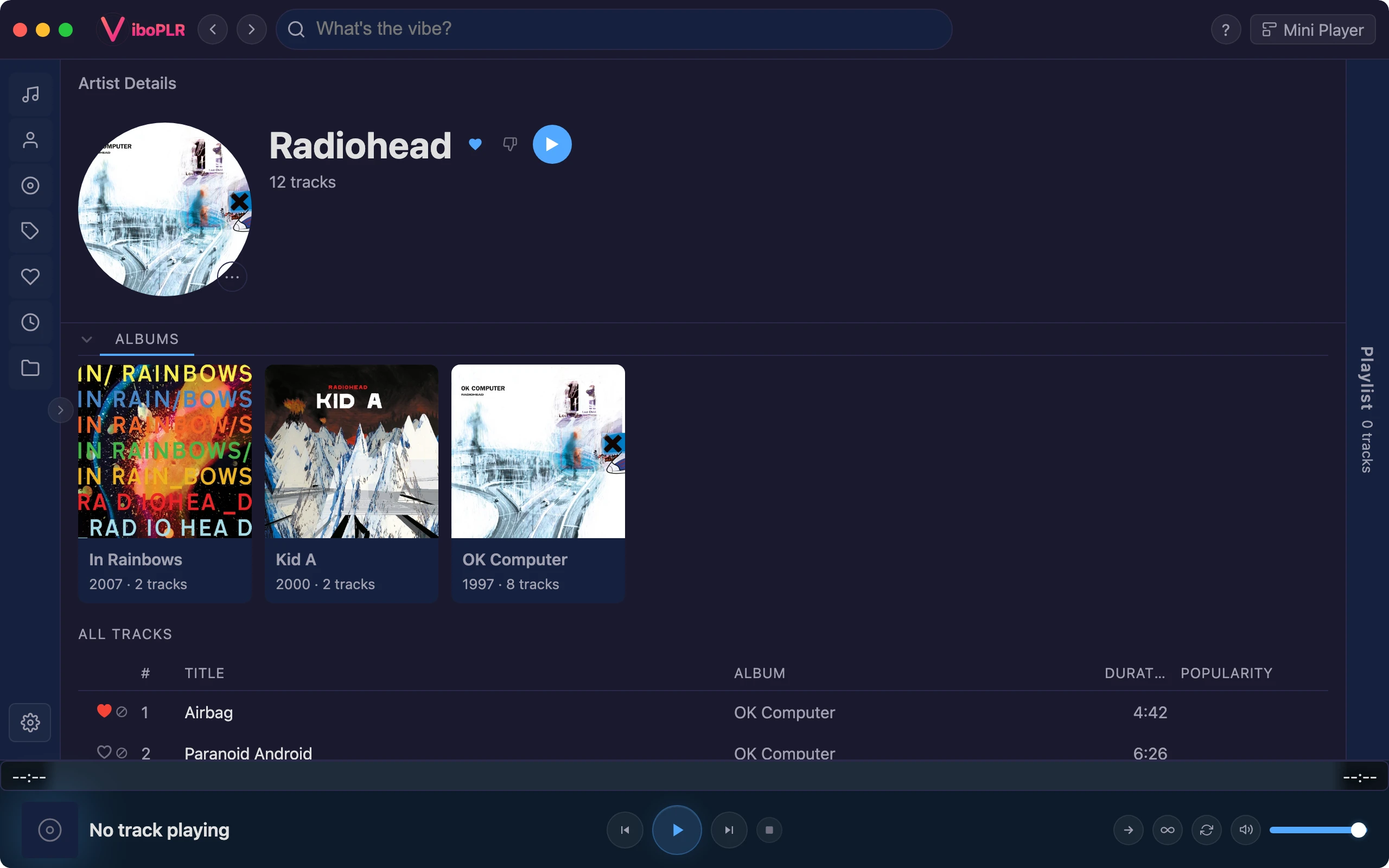
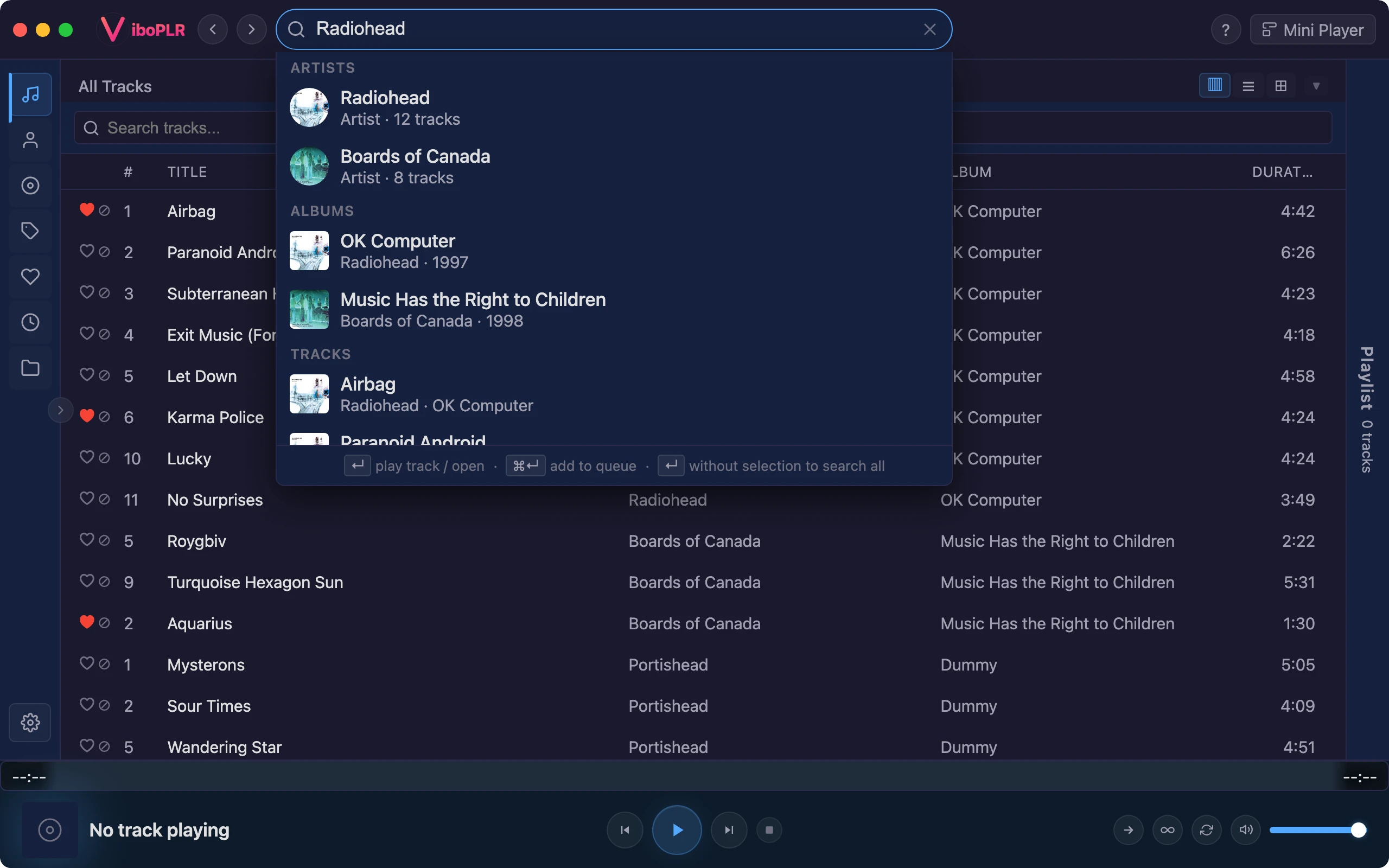
FLAC, ALAC, WAV, AIFF, APE, WavPack, Musepack, DSD, Opus, Ogg, MP3, AAC and more — plus your music videos. A full-text search index finds any artist, album or track as you type, and it doesn’t care about accents or case: “bjork” finds Björk.
Local folders and Subsonic/Navidrome servers in one library
Artwork from your folders, embedded tags, or providers like MusicBrainz and Deezerplugin
Curation plugins
Tools for the long haul
A few plugins from the gallery exist purely to keep a library tidy. Install the ones you need with one click.
Duplicate Finder: the same song in two folders, found and cleaned upplugin
Auto Tagger: turns patterns in your paths into tags, artists, albums or yearsplugin
Library Statistics: what you own and how you listenplugin