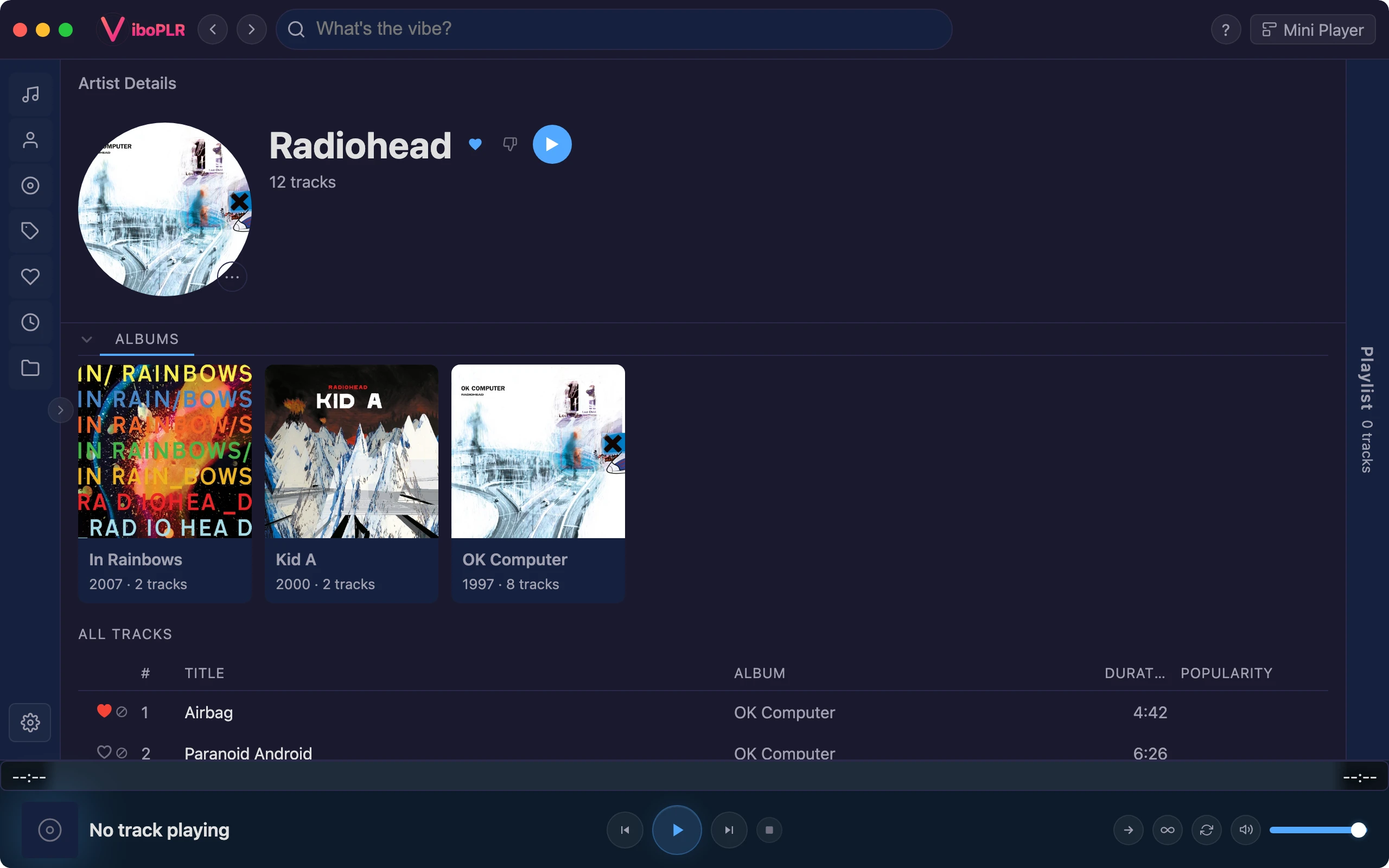
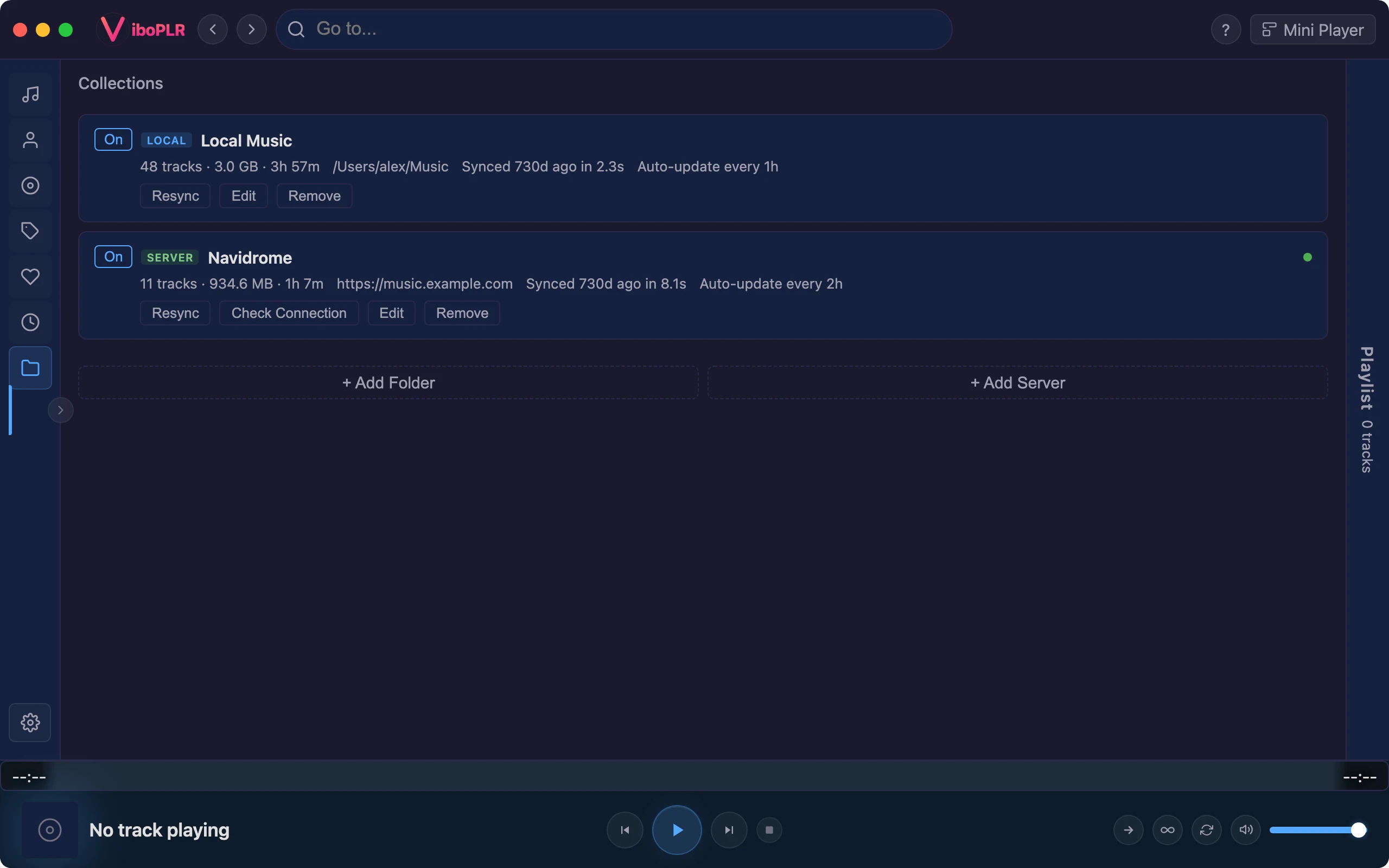
You run your own music server. Vibo speaks Subsonic out of the box — no plugin to install — so Navidrome and other Subsonic-compatible servers sit right next to your local folders, in one library.
Setup
Connected in a minute
Enter your server’s address and login, press Test, then Connect. Vibo imports your artists, albums and tracks, turns genres into tags, and keeps up with your server on its own — from every 15 minutes to once a day.
Token authentication, as the Subsonic API recommends
Album artists respected, so compilations stay together
A “Server” profile in the first-run setup gets you there first
One library
Local and server, side by side
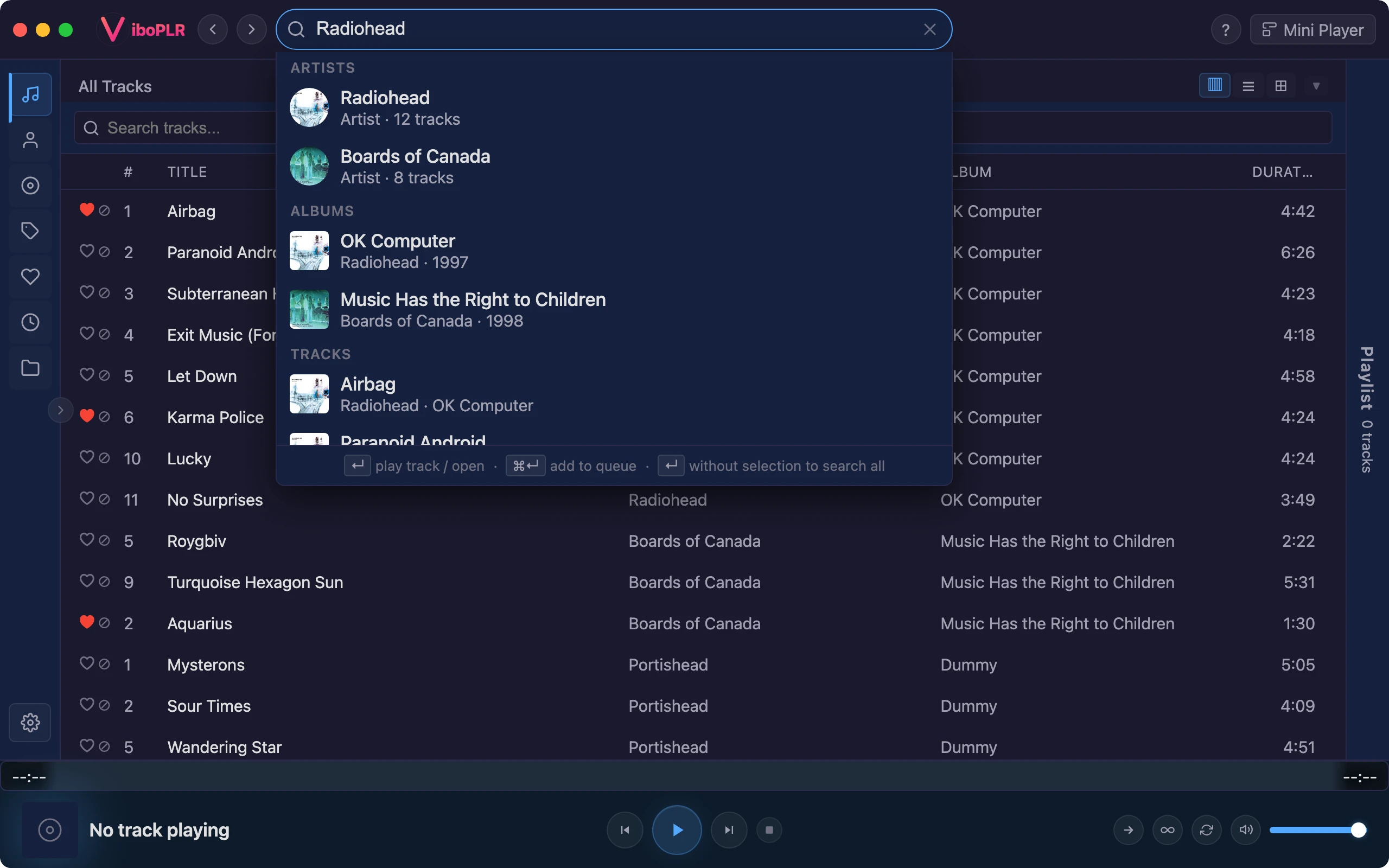
Server tracks are first-class: they show up in search, on the home screen, in radio stations and in playlists, just like files on your disk. When a song exists in both places, your local copy plays.
Instant full-text search across every source
Radio, mixes and home shelves drawn from all of it
Downloads
Take it with you
Download any server track to your computer: the original file untouched, or transcoded to AAC or MP3 by your server. Save it into a local folder and it’s there when you’re offline. Mixtape exports pull server tracks as themselves, too.
Original quality or a smaller transcode
Straight into a local collection
Screenshot: download from your serverThe download window for a Navidrome track, “Source original” selected
Beyond your server
Visit other servers
Sign in to Vibo Community with GitHub to browse a members’ directory of shared Subsonic servers, and add one to Vibo with a click. Or use the Subsonic Browse plugin to search and stream across several servers live, without adding them to your library.
Members’ server directory with one-click “Add to Vibo”