Skins, animated detail pages and separate profiles for the look. A small, documented plugin API for everything else — the lyrics, artwork and artist info Vibo ships with are plugins built on it too.
Skins
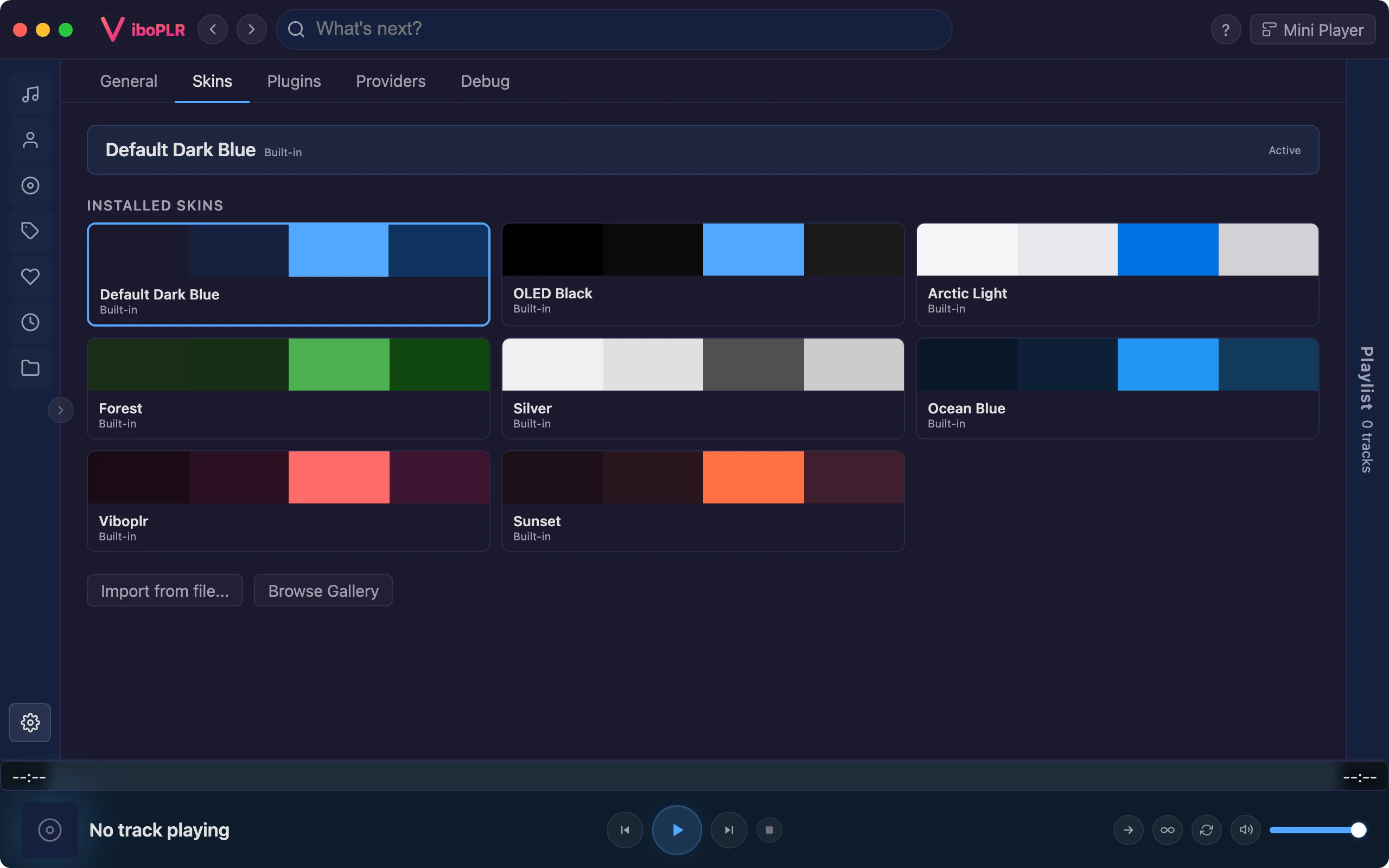
Any color, any mood
Pick a built-in skin or install community favourites like Nord, Dracula, Catppuccin, Tokyo Night and Gruvbox from the gallery. Or make your own in the skin editor — colors, corner radius, spacing, even custom CSS — and submit it to the gallery from inside the app.
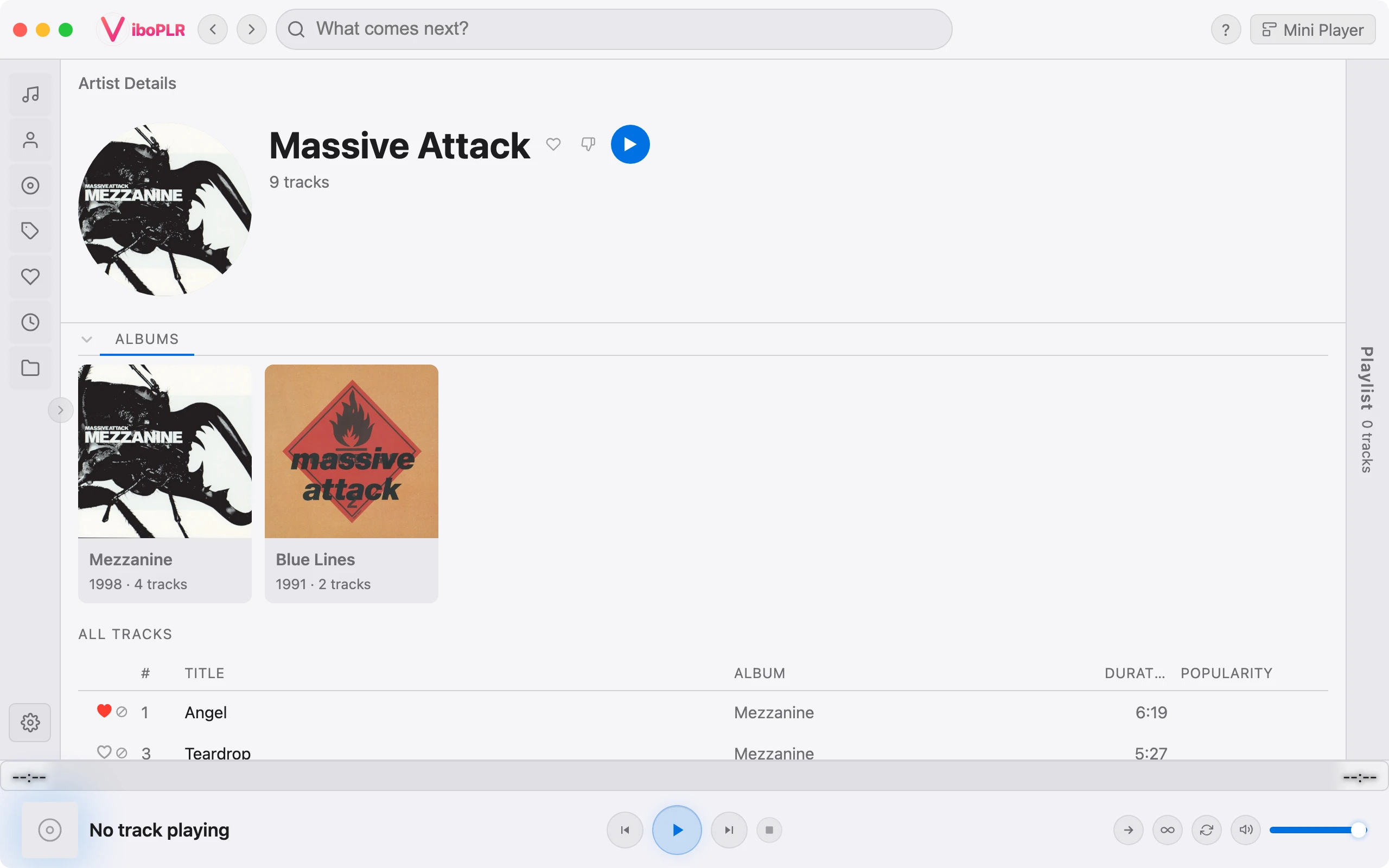
Artist, album and track pages open on an animated hero: Late Night TV, Silent Film, Aurora Drift, Light Leak and more. Fix one look, shuffle them, or let each artist keep their own. And if the whole household shares a computer, profiles give everyone a completely separate Vibo.
Hero looks per artist, random, fixed, or off
Profiles: separate library, history, settings, plugins and skin
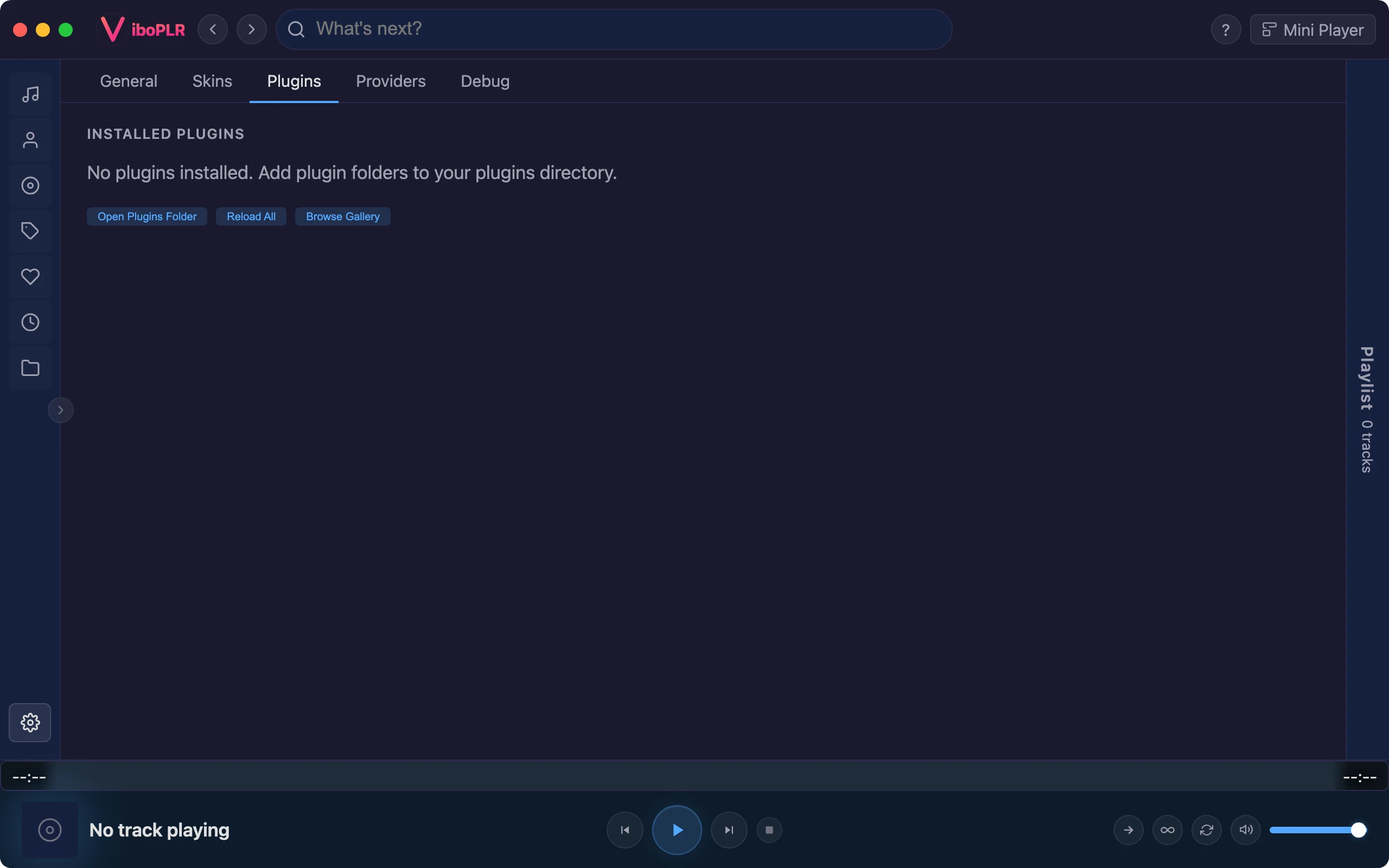
A manifest says what your plugin adds; a plain JavaScript file does it. Plugins can add tabs to detail pages, artwork and lyrics sources, sidebar views, home shelves, right-click actions, playback and download sources — even tools for AI assistants.
Attach a zip to a GitHub release, submit its link, and a bot checks it and opens the pull request to the gallery. Once it’s in, people install it with one click and get your updates automatically.
Sandboxed plugins ask for exactly the permissions they need, and users approve them first